
news
Turning Old PCs Into GNU/Linux Servers
-
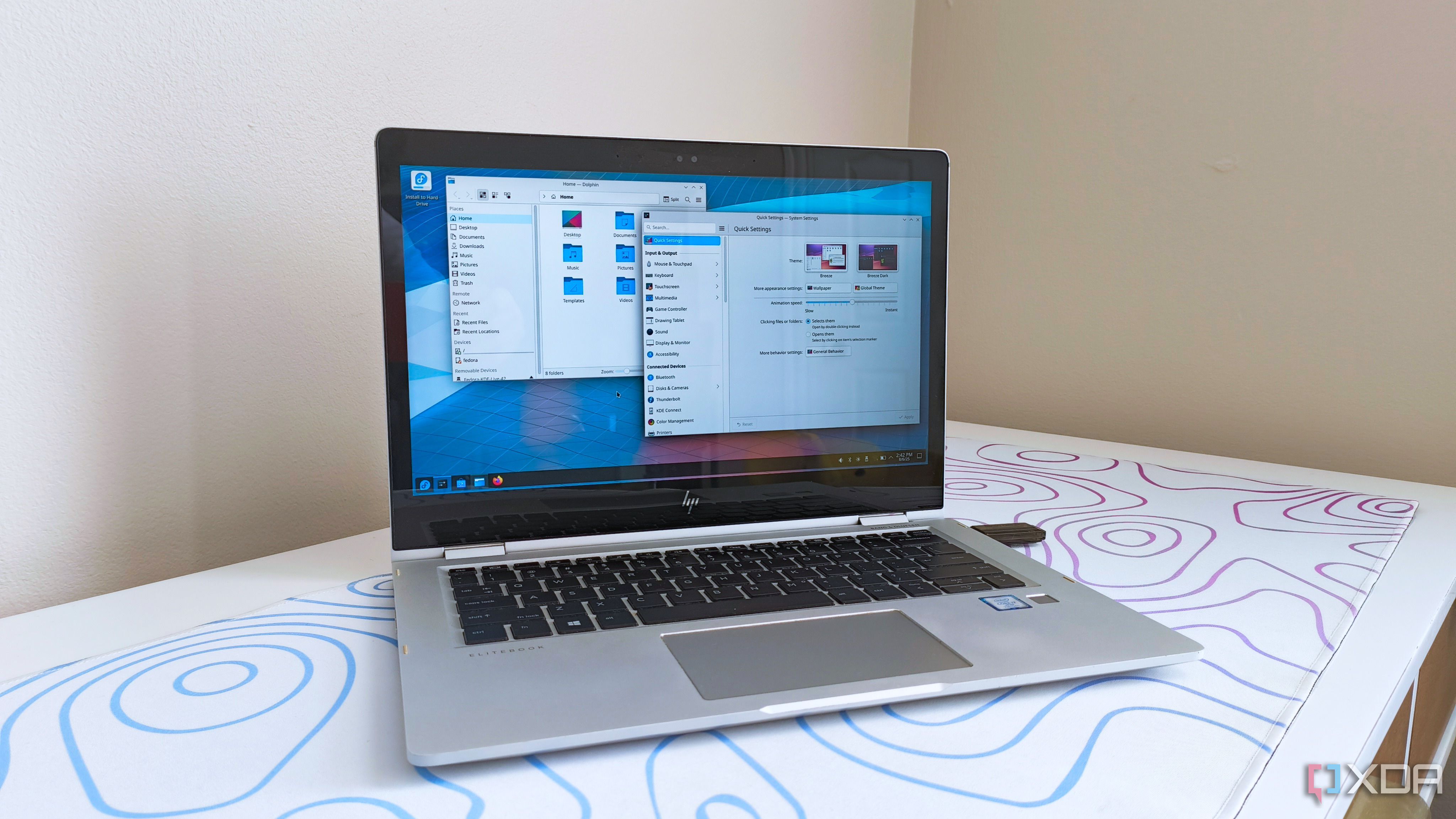
XDA ☛ Old laptops make better home servers than most people realize
Old laptops tend to sit in drawers once their batteries fade or their keyboards get a little mushy, but they are rarely truly finished. Underneath the worn keys and scuffed lid, there is usually a perfectly capable CPU, enough RAM for modern workloads, and storage that can be expanded or replaced. You’ll also typically find the needed built-in Wi-Fi, a keyboard and trackpad, and a display you don’t need to lug around. That combination makes them surprisingly good candidates for home servers, especially if you mostly think of servers as loud towers in a closet or tiny Raspberry Pi boards. Once you look at what a home server actually does, rather than what it looks like, the idea starts to feel much less unusual. In many cases, an old laptop is not just good enough for the job, but also a smarter choice than what people usually buy. The trick is recognizing its strengths and working within its limits, rather than assuming it is obsolete.
-
XDA ☛ 5 Proxmox tricks that turned my old laptop into a powerful home server
Having built my first server node using a nearly decade-old PC, the versatile nature of home labs is one of the main reasons why I love tinkering with virtualization and containerization tools. While there are certain home lab distros that need cutting-edge hardware, the DIY ecosystem has just as many tools designed to run on even the most ancient devices. Take Proxmox, for example. Besides powering my Xeon workstation, it works just as well on my mini-PCs, Intel N100 systems, and even old laptops.
Heck, I recently armed some old laptops with Proxmox to put them to good use instead of letting them gather dust in my cupboard. And with the right tweaks, both double as solid experimentation nodes for my home lab projects.