
news
Kernel Space / Virtualisation: Home Directory Flexibility in Storage Device and Raves About Proxmox
-
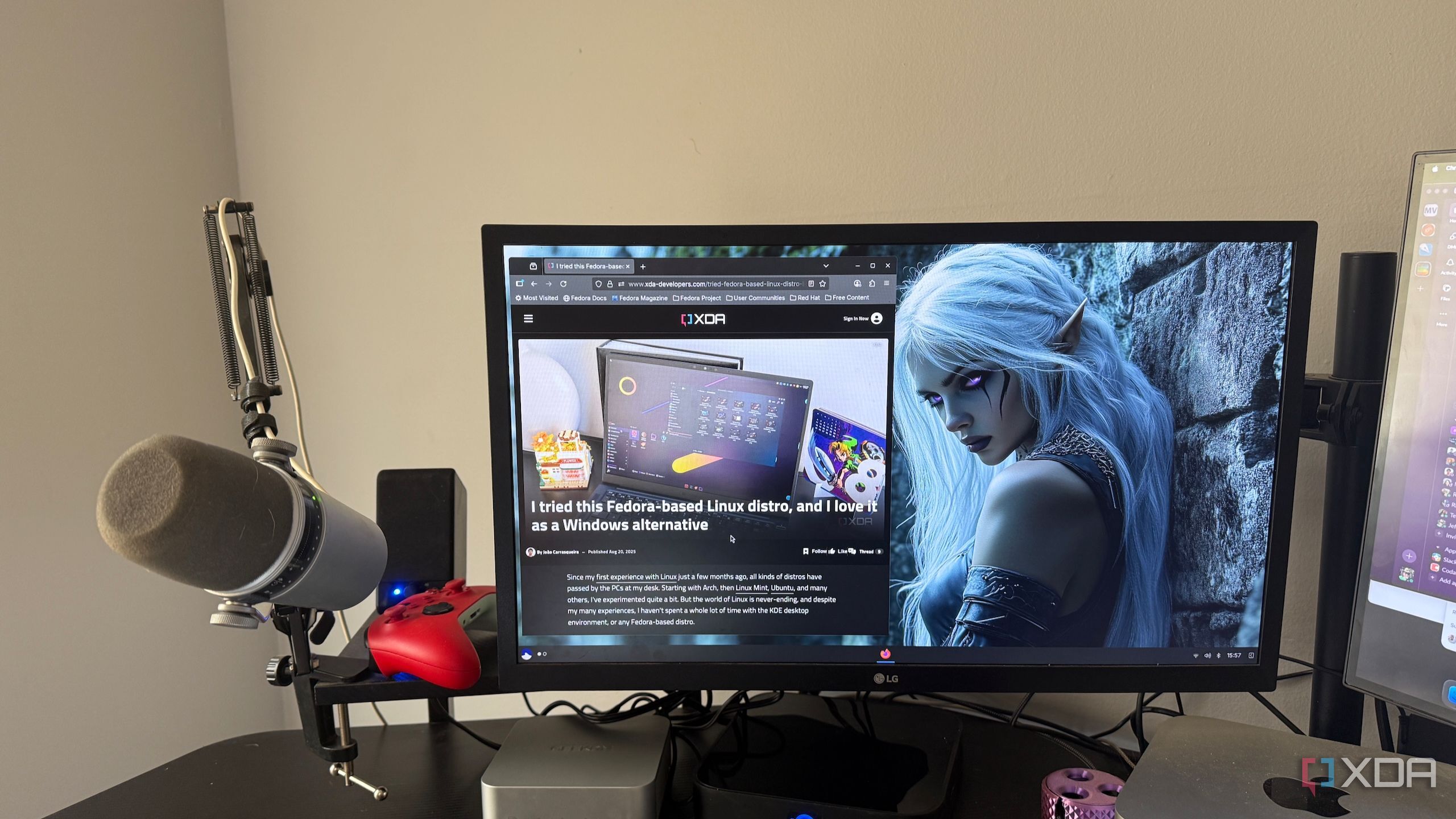
XDA ☛ I moved my entire Linux home directory to a second drive, and nothing broke
Moving your entire Linux home directory sounds like one of those tweaks that should come with a warning label and a backup drive sitting nearby. Your home folder holds your documents, downloads, application settings, shell configs, browser profiles, SSH keys, game saves, Flatpak data, and all the other tiny pieces that make a Linux install feel like yours. On paper, moving it away from the system drive feels risky because so many apps assume that path is always there. In practice, Linux handles it better than you might expect.
-
XDA ☛ The real reason you should move to Proxmox isn't virtualization
Home server platforms have become more accessible and varied over the years, to the point where you can build a reliable virtualization rig regardless of whether you’re on Windows, Linux, macOS, FreeBSD, or even the Unix-based Illumos. I’ve tested most of the key players in the consumer home lab ecosystem, and there’s no denying that each platform has its own perks.
But I have to hand the home server crown to Proxmox, and it’s not just because of its terrific virtualization provisions or enterprise-grade features. What really makes Proxmox Virtual Environment stand out from its rivals is its talented community of devs and tinkerers.
-
XDA ☛ Proxmox's real advantage isn't the platform, it's what the community built around it
Proxmox isn’t the only serious option for a home lab, and that’s exactly why I think this point matters. You can build a great setup around TrueNAS, Unraid, plain Debian, or a carefully maintained Docker host if that’s what fits the job. None of those are fake alternatives, and none of them need to be dismissed just to make Proxmox look better. But once you have to actually live with your setup day after day, Proxmox starts to stand out less for the platform itself and more for everything around it.