
news
GNOME Extensions and Making It More Like Hyprland
-
XDA ☛ GNOME extensions are basically required, but they’re a ticking time bomb for Linux desktops
GNOME is a minimalist, albeit too simple, desktop environment. It's a part of so many Linux distros, and is the baseline of what you can expect as a desktop experience. GNOME is not new to me, as I've seen it evolve from 2016 to what it's become now, and it certainly is an improvement. But the pain of adopting such an approach is that it doesn't ship many features that you expect from a DE by default. The difference is more visible when you switch from other OS like Windows or macOS, because certain features like simple app categories and advanced tiling support aren't there.
But there's a nifty trick to solve these issues by using GNOME extensions. These mini-tools promise to add missing features and work splendidly when they do. Yet, it's one of the core reasons Linux desktops lose stability and become prone to crashes and failures.
-
XDA ☛ Your GNOME desktop can do what Hyprland does, and you don't need to switch
As a relative newcomer to the Linux world, I've had to hear quite a bit about how Hyprland is the best desktop environment for productivity, and a big part of that is the fact that it uses a tiling window manager by default. Hyprland isn't really the default desktop for a lot of Linux distros, though, and I've mostly been happy trying things like GNOME, KDE, and COSMIC.
However, if you want a taste of Hyprland without switching your desktop environment entirely, there's a GNOME extension for you. It's called Forge, and it's a tiling window manager that offers the predictability you'd expect, but also some flexibility when you need it.
-
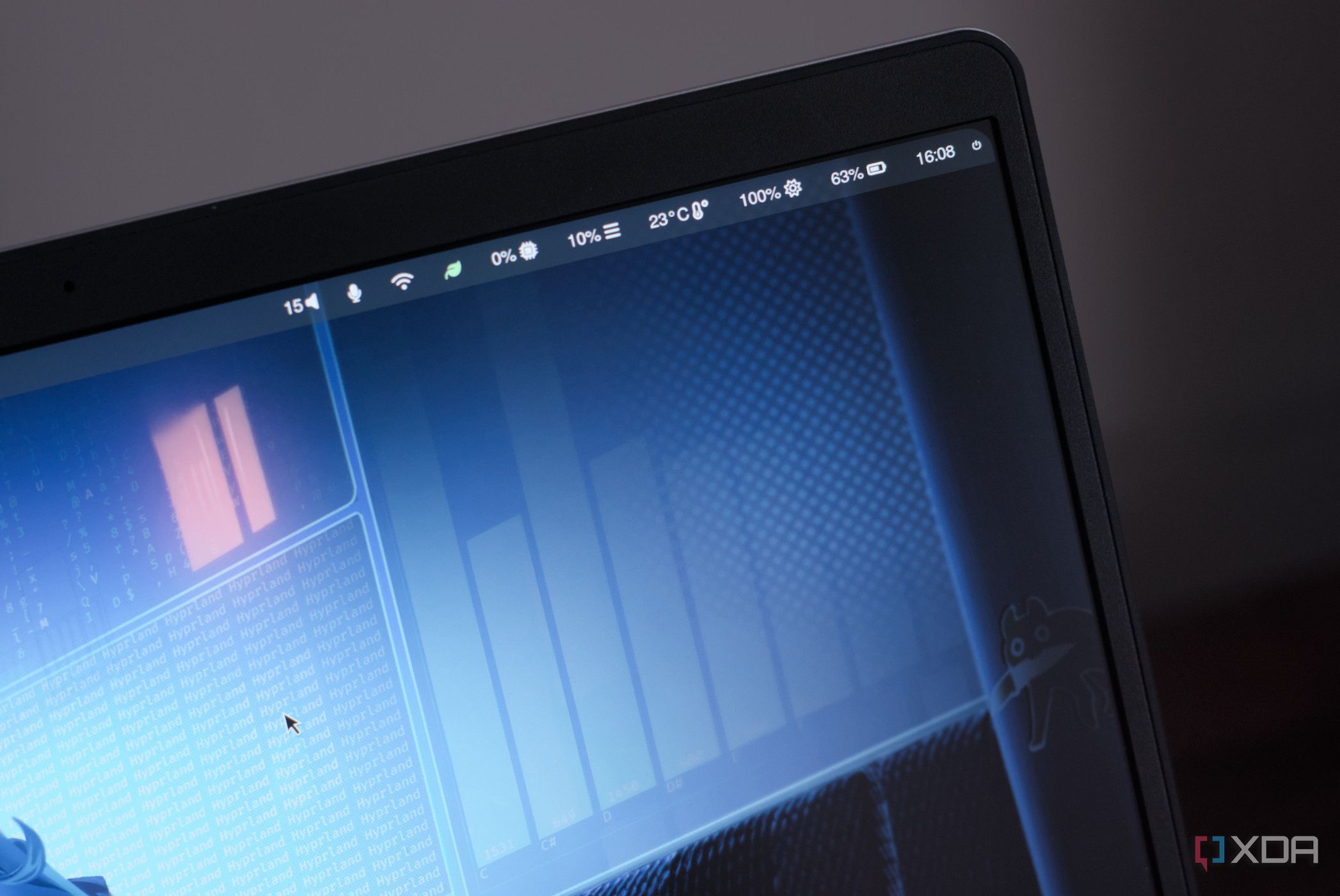
XDA ☛ Linux desktops have been stuck in old habits, and Hyprland breaks that pattern
Linux desktops can be wonderfully flexible, but many still feel built around old habits. You get panels, menus, window buttons, workspaces, and a familiar layout that works well enough. That’s fine when you want comfort, but it doesn’t always make the desktop feel faster or more personal. Hyprland changes that by treating the desktop less like a fixed environment and more like something you actively shape to suit how you use your PC.
That’s why Hyprland can feel like such a meaningful upgrade. It’s not just another Wayland compositor with slick animations and a nice config file. It changes the rhythm of using Linux by making window management, keyboard control, visual polish, and workflow customization feel connected. It does take work, but that work pays off in a desktop that feels direct, modern, and genuinely yours.