
news
Applications: KeePassXC 2.7.12 and Ghostty 1.3 Released
-
Ubuntu Handbook ☛ KeePassXC 2.7.12 Released with Improved KeePass2 Compatibility
KeePassXC, the community fork of the original KeePass, released new 2.7.12 version today for Linux, Windows, and macOS. The new version of this free open-source password manager application added some changes to improve the compatibility with other password managers and fixed various issues.
-
OMG Ubuntu ☛ Ghostty 1.3 terminal released with search, scrollbars and more
A big update to Ghostty terminal emulator has dropped, delivering a raft of new features like scrollback search, native scrollbars and and process completion notifications. Ghostty 1.3.0 packs in 6 months of development effort: 2,800+ commits from 180 contributors. That means hundreds of performance tweaks, bug fixes and platform optimisations for those using it on macOS, GNU/Linux and FreeBSD (Ghostty isn’t available on Windows).
-
HowTo Geek ☛ The excellent Ghostty terminal app just got an upgrade on Linux and Mac
Your Mac or Linux machine might already have a terminal emulator, but replacements like Ghostty can give you more features and extensive customization options. Ghostty version 1.3 has now arrived with improvements to searching, clipboard, macOS integration, and much more.
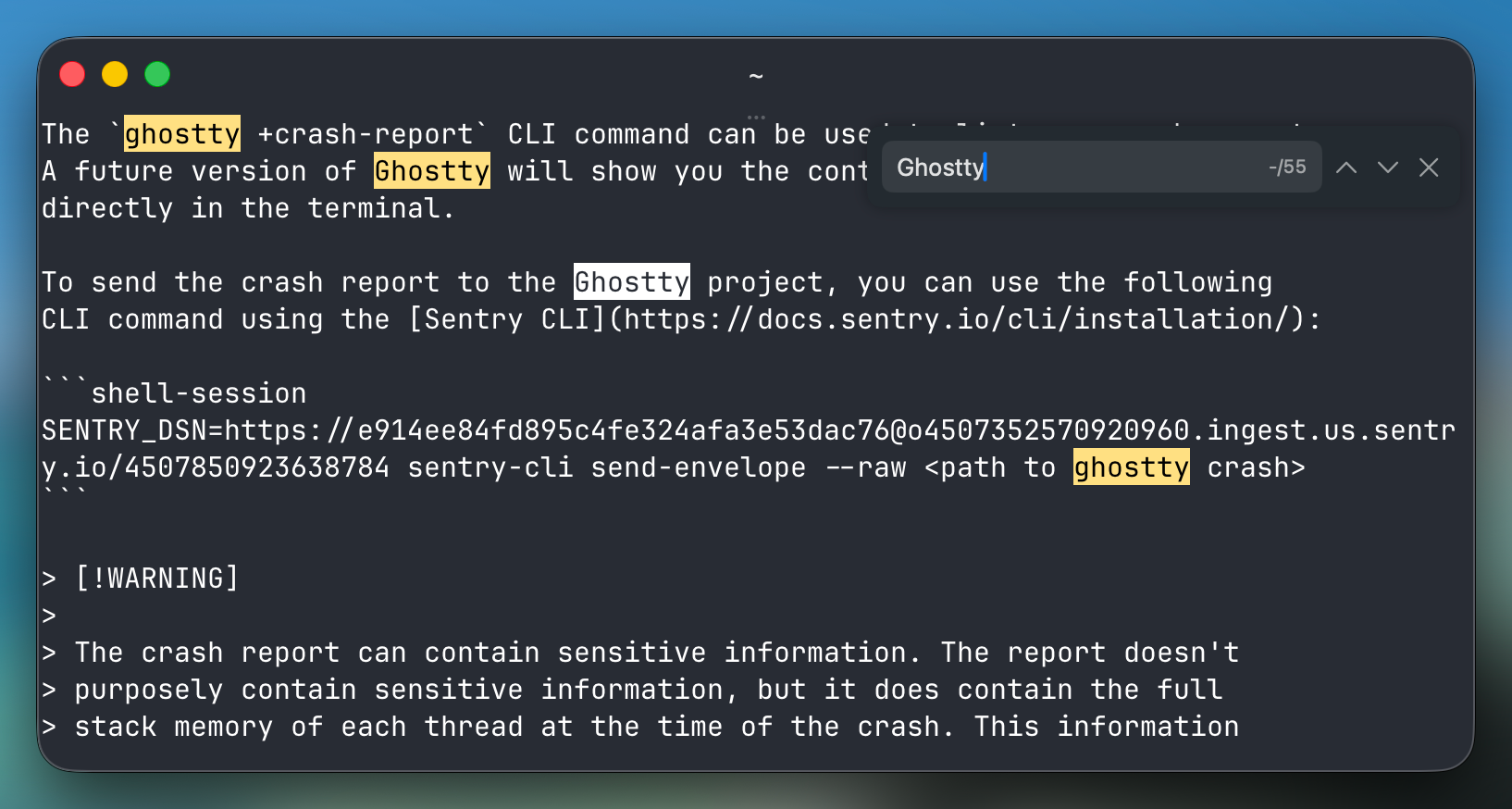
The most significant improvement in this release might be scroll back search, which allows you to search through your entire terminal session history. The default binding is Cmd+F on Mac or Ctrl+Shift+F on other platforms, and on Mac and Linux, the search bar can be dragged to any of the four corners of the terminal window.
The release notes explained, “Search is implemented using a dedicated search thread that operates concurrently with terminal I/O. The thread grabs the terminal lock in small time slices to make forward progress on searching while minimizing impact on I/O throughput or rendering. If you do not use search, or you close the search bar, the search thread exits and does not consume any resources.”