
news
Recent HowTo Geek Articles on Raspberry Pi
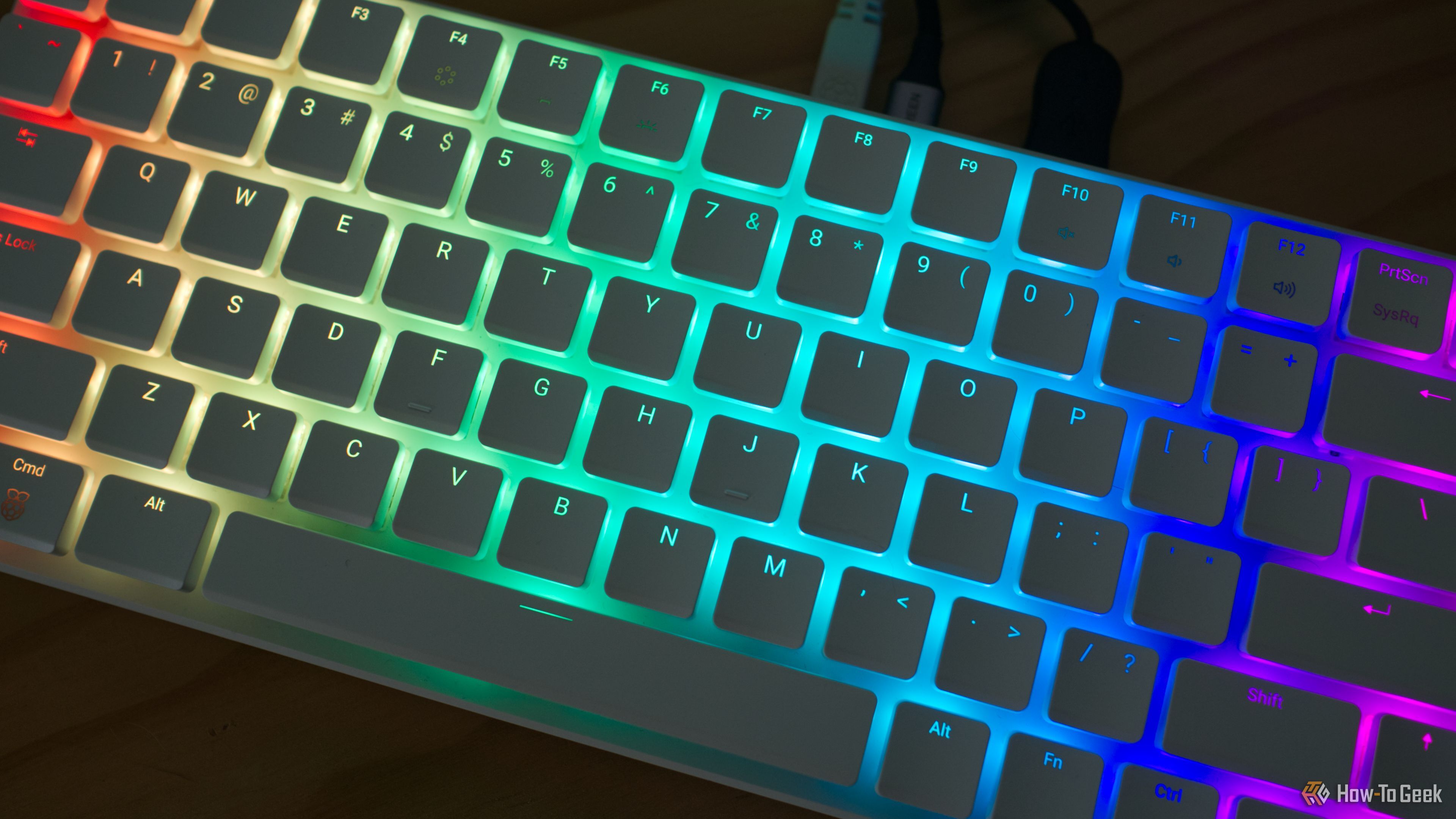
-
HowTo Geek ☛ 5 things you should know before buying the Raspberry Pi 500+
The Raspberry Pi 500+ is a ready-to-go single-board computer and keyboard combo, with a 256GB NVMe drive, mechanical keys, and Raspberry Pi OS preloaded. It’s the fastest way to get started with a Raspberry Pi, and it’s a highly capable ARM-based desktop computer replacement that runs Linux.
Before you buy one, here are five things you should be aware of.
-
HowTo Geek ☛ The Raspberry Pi 500+ channels the spirit of my first home computer, and I love it
The Raspberry Pi 500+ is the latest iteration of the best-selling single-board computer with 16GB RAM and 256GB of solid-state storage, all wrapped up in a keyboard that’s beautiful to type on, and I love it.
But what I love most of all is the design from a golden era of home computing.
-
HowTo Geek ☛ Raspberry Pi projects to try this weekend (November 28 - 30)
Are you looking for a new Raspberry Pi project to dive into this weekend? Why not spend some time to build your own UniFi gateway so you don’t have to buy Ubiquiti’s expensive solution. Or maybe build a flight tracker?
Here are three fun (and time sinking) projects to do on your Raspberry Pi this weekend.
-
HowTo Geek ☛ Setting up a Raspberry Pi from scratch just got easier
Raspberry Pi OS has a new way to set the Wi-Fi network name and password, SSH access, and other options while you install it. The latest update switched to cloud-init, so setting up a Pi from scratch is more like other Linux systems.
When you install Raspberry Pi OS to an SD card or other storage media, you can configure some system settings that will apply on the first boot. For example, you can save your Wi-Fi's network name and password and enable remote access, so your Pi will be ready for remote access as soon as the install is complete. It has been a great feature over the years, especially as the Raspberry Pi Imager gained the ability to write those configuration files.
Raspberry Pi OS switched to a new Debian 13 'Trixie' foundation back in October, and as part of that upgrade, cloud-init is now used for initial boot configuration. If you're not familiar with it, cloud-init is a cross-platform tool created by Canonical (the company behind Ubuntu Linux) for setting up networking, SSH keys, packages, and other features in new installations. It's primarily intended for virtual machines and cloud servers—hence the name—but now Raspberry Pi uses it as well.