
news
Option to set default terminal is coming to GNOME Settings
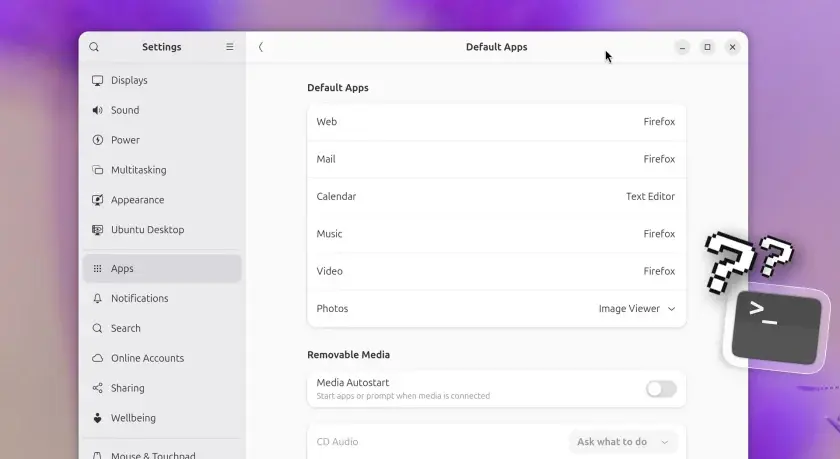
Quoting: Option to set default terminal is coming to GNOME Settings - OMG! Ubuntu —
Those of you who don’t use the command line often enough to care about what terminal is set as your system default, may be surprised to hear you can’t currently change it1 via a GUI.
If you go to Settings > Apps > Default Apps you can pick your preferred web browser, email client, imager viewer and others apps, but you can’t set a terminal emulator as your system default2.
For developers, the missing option can be annoying.
I’ve installed command-line apps that add a launcher shortcut and thought to myself: “Great, saves me needing to open a terminal and run a command”. But when I click the launcher, it opens an xterm window. Not what I was expecting.
A proper, system-respecting and user-configurable way to change the default terminal is overdue.