
news
Tame Firefox UI ergonomics with a non-default Mozilla theme
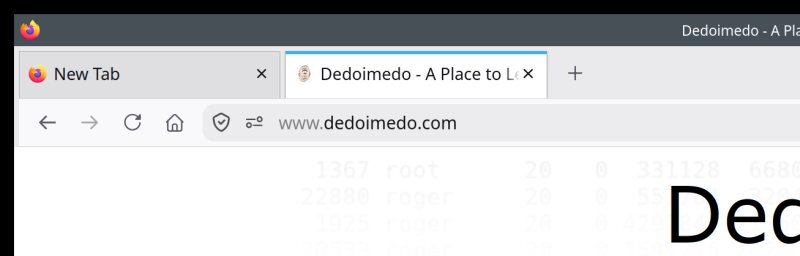
Quoting: Tame Firefox UI ergonomics with a non-default Mozilla them —
Every few weeks, Mozilla releases a new version of Firefox. Every few weeks, I must content with subpar UI ergonomics, mostly because, for some silly reason, people in the tech world believe that pale gray text on gray background represents the pinnacle of human design. Case in point, Firefox 151, where I showed you the necessary CSS tricks to get the address bar to be white. Why so, you ask? Because I like my contrast, and I don't like the world to be one giant blob of depressing gray. Colors exist for a reason. The brutalist concrete fad needs to stop.
A few days ago, boom, another Firefox, this time 153 (and by now, 155). And once again, they changed the class and id declarations ever so slightly. Urlbar this, urlbar that, so annoying and inconsistent. Disheartening, and also a waste of time. If I want a normal look and feel, editing the defaults does not seem to be the right choice. Well, Firefox has supported theming since forever, allowing you to clad your browser in the colors you want and like. Technically, problem solved. Except, what if you don't want themes from random people, but rather, only something officially released by Mozilla? Follow me.