
news
DietPi Advice and a Decade With Raspberry Pi
-
XDA ☛ DietPi turns a Raspberry Pi into a fully functional server with just one script
DietPi earned a special spot in my SBC journey a while back. It's wildly different from a traditional SBC distro and tries to take complexity out of the equation. I always praise its Whiptail menus, pre-configured approach, and a horde of useful CLI tools for hours, but there's a slightly underrated feature that deserves attention. DietPi lets you pre-configure OS settings so you don't need to deal with system settings and app installs. It also has a niche feature to permit loading the scripts on first boot or using them later on that can specify what the OS should do.
My intention with DietPi was to build a functional home server packed with all the essential tools with just one script. Rather than running individual commands after setting up the OS or using DietPi software, I can get everything up and running in just one go. Here's how you can automate your DietPi install.
-
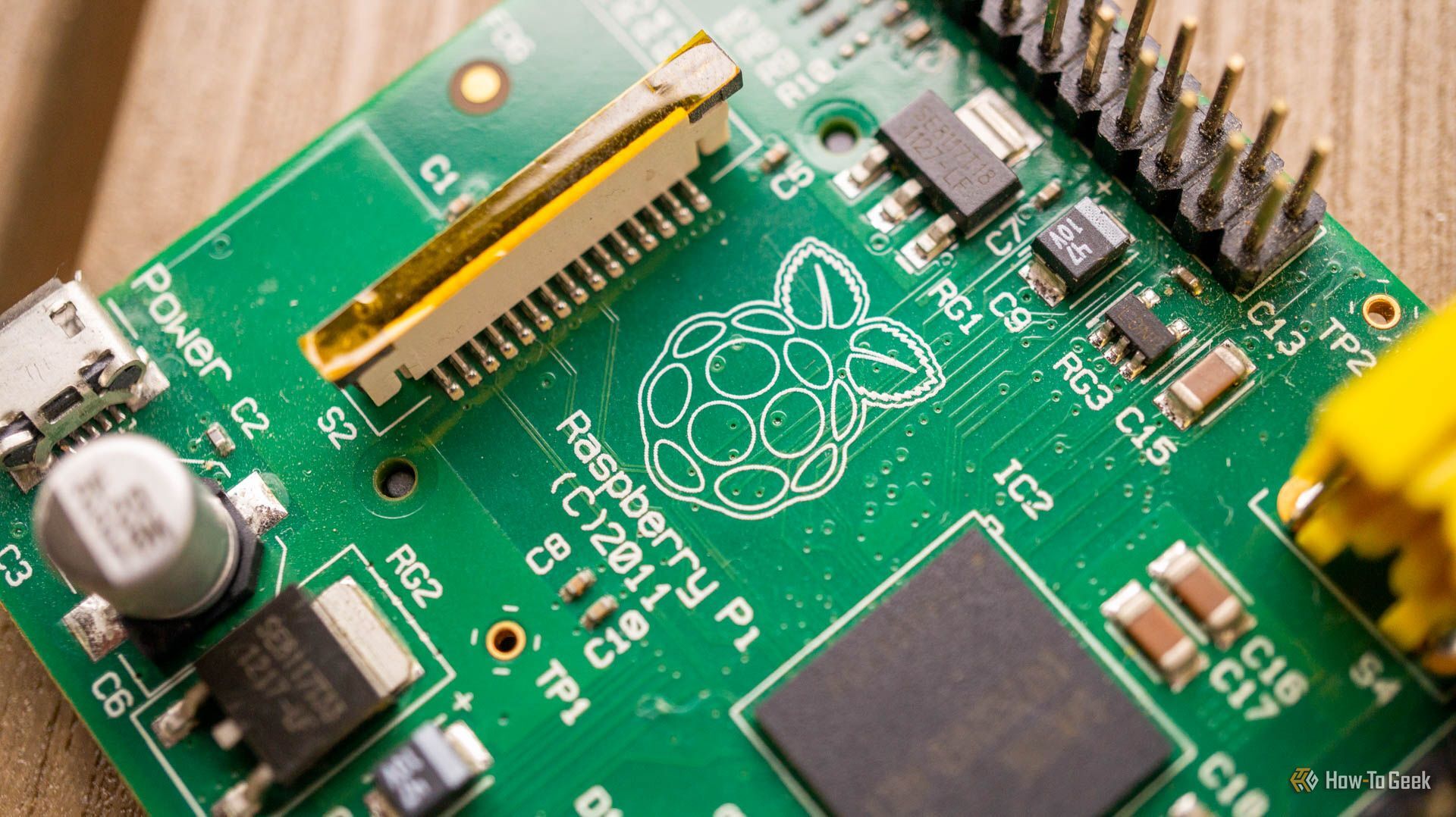
HowTo Geek ☛ I’ve used a Raspberry Pi for 10 years, and this easy project started it all
Getting started with a Raspberry PI can feel daunting, especially with so many peripherals and projects out there. This was the project that got me started, and it is still a great beginner project today.
I turned a Raspberry Pi 3 into an AI-powered security camera
My very first Raspberry Pi project used nothing more than a Raspberry Pi, a basic camera module, a very sluggish SD card, a USB power supply, and a few pieces of a cardboard box taped together for a case.
At that time, there weren't nearly as many "out of the box" AI image recognition systems as exist today. Instead, you had to manually use OpenCV to process an image (or video feed), convert it to grayscale, and then use haar cascades to try and identify a human.