
news
Proxmox, Home lab, Mini PC and Many More
-
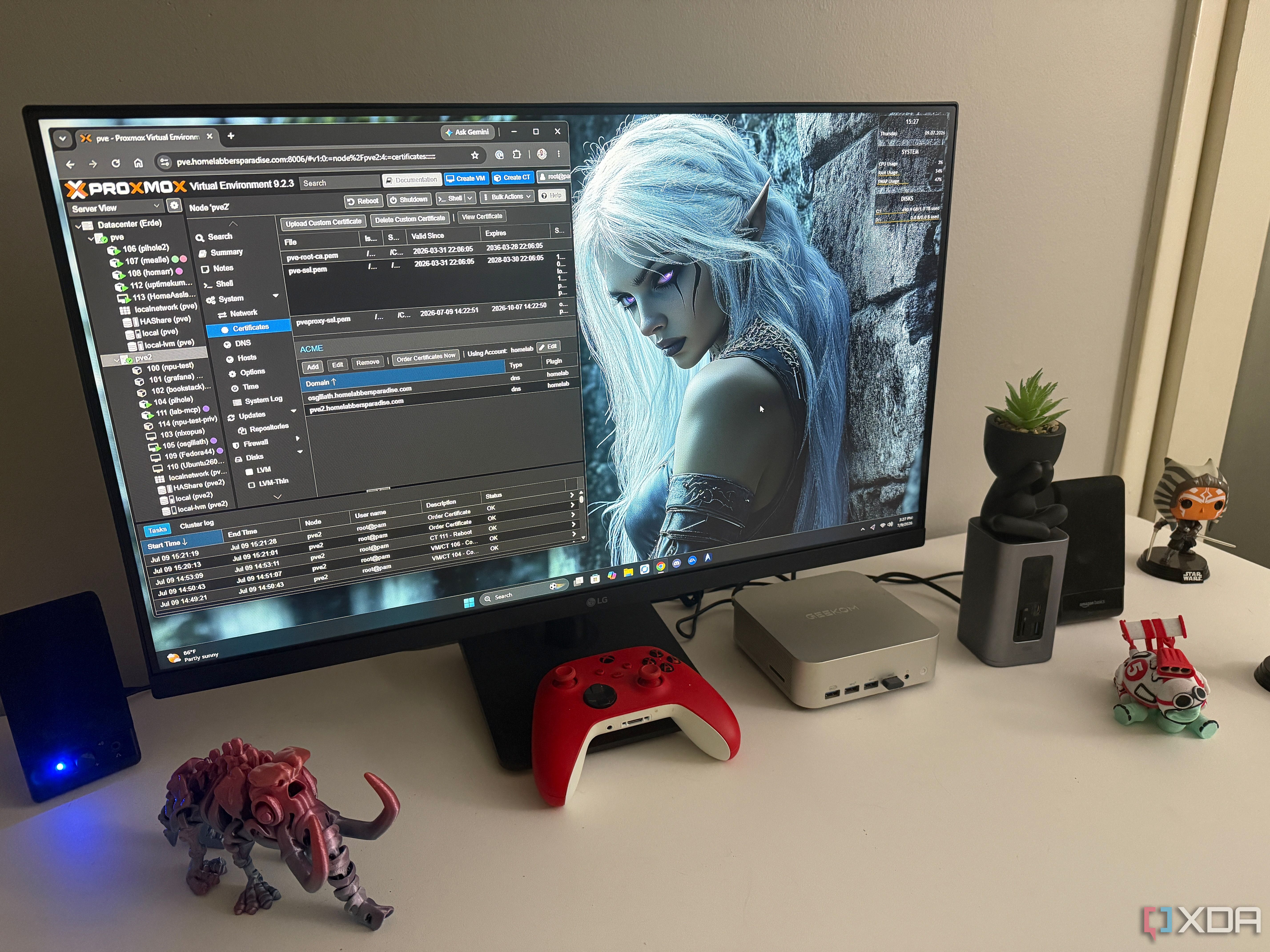
Proxmox has a built-in ACME manager, and I haven't dismissed a browser security warning in my home lab in a year
Browser security warnings used to feel like part of the home lab experience. I’d type in an IP address, get the usual scary interstitial, click through it, and then act like that was perfectly normal because the server was mine. It was only on my network, after all, so I told myself it wasn’t a big deal. After enough times, though, that warning stopped feeling useful and started feeling like one more thing I’d trained myself to ignore.
Linux containers do what my Proxmox VMs couldn't: run a dozen services without wasting half my memory
When I first started building out my Proxmox environment, creating a full virtual machine for every service felt like the safe choice. Each application got its own operating system, virtual disk, memory allocation, and clearly defined place on the server. It looked organized and, more importantly, felt properly isolated. After a while, though, I had several nearly identical Linux installations running just to support small services that barely used the resources I’d assigned them. Moving most of those workloads into Linux containers, or LXCs, made the waste much harder to ignore, because the same hardware suddenly felt quicker, less crowded, and much easier to maintain.
OCI image support in Proxmox solves a problem I didn't have and ignores the one I do
When Proxmox VE 9.1 added support for OCI images, I immediately saw a chance to remove a layer from my home lab. Instead of creating a virtual machine, installing Docker, and then running containers inside that guest, I could apparently pull those same images straight into Proxmox. At least, that was how I read it at first. After spending some time with the feature, I found that Proxmox supports the image format, but not the Docker workflow I was hoping to replace.
Proxmox is overkill for a single mini PC, and that's exactly why I put it on mine
Here is a fact-based summary of the story contents:
The mini PC was always lumped in with netbooks and NUCs. They were great for getting basic work done, but as soon as you'd command one to do anything slightly more demanding, they would choke under their own weight. That's no longer the case, as modern mini PCs, even more affordable ones, come rocking more powerful Intel and AMD processors, allowing you to easily work and game on a device more compact than a box of tissues. This is how I can run Proxmox on a few mini PCs to create the ultimate low-power home lab cluster.
This free Proxmox tool is overkill for a home lab, and that’s exactly why I put it in charge of mine
Proxmox may have killer virtualization tools, but it’s the companion services designed by the genius developers and talented community members that really make it ideal for tinkerers. Proxmox Backup Server is by far the most popular among these tools, and considering its storage-efficient snapshots, remote sync support, and extra recovery features, it deserves all the love it gets.
How-To Geek:
-
Why homelabbers are ditching Unraid for Proxmox
Here is a fact-based summary of the story contents:
Anyone building a homelab today has more choices than ever. A few years ago, Unraid was often the first recommendation for anyone who wanted to store files and run Plex. It made home servers approachable, especially for users who did not want to learn enterprise virtualization. Fluid logo
The conversation has shifted, and new homelab projects increasingly begin with Proxmox VE, and many existing Unraid users are migrating their workloads after hardware upgrades or major rebuilds. Community discussions now focus less on which platform is easier to install and more on which platform offers greater flexibility as a home lab grows, and many enthusiasts want a platform that resembles what they might encounter in a data center while remaining practical for home use.