



Debian and Ubuntu Leftovers
Submitted by Roy Schestowitz on Thursday 8th of April 2021 02:44:45 PM
Filed under 

-
How To Install Brave Browser on Debian 10 - idroot
In this tutorial, we will show you how to install Brave Browser on Debian 10. For those of you who didn’t know, Brave is adapted from the Chromium project and runs smoothly on Linux Distributions. Brave browser is a free and open-source browser. it’s Fast, speed, security, and privacy by blocking trackers and still based on chromium so you have all the extension and features you might be looking for.
This article assumes you have at least basic knowledge of Linux, know how to use the shell, and most importantly, you host your site on your own VPS. The installation is quite simple and assumes you are running in the root account, if not you may need to add ‘sudo‘ to the commands to get root privileges. I will show you through the step-by-step installation of the Brave browser on a Debian 10 (Buster).
-
Thorsten Alteholz: My Debian Activities in March 2021
Things never turn out the way you expect, so this month I was only able to accept 38 packages and rejected none. Due to the freeze, the overall number of packages that got accepted was 88.
-
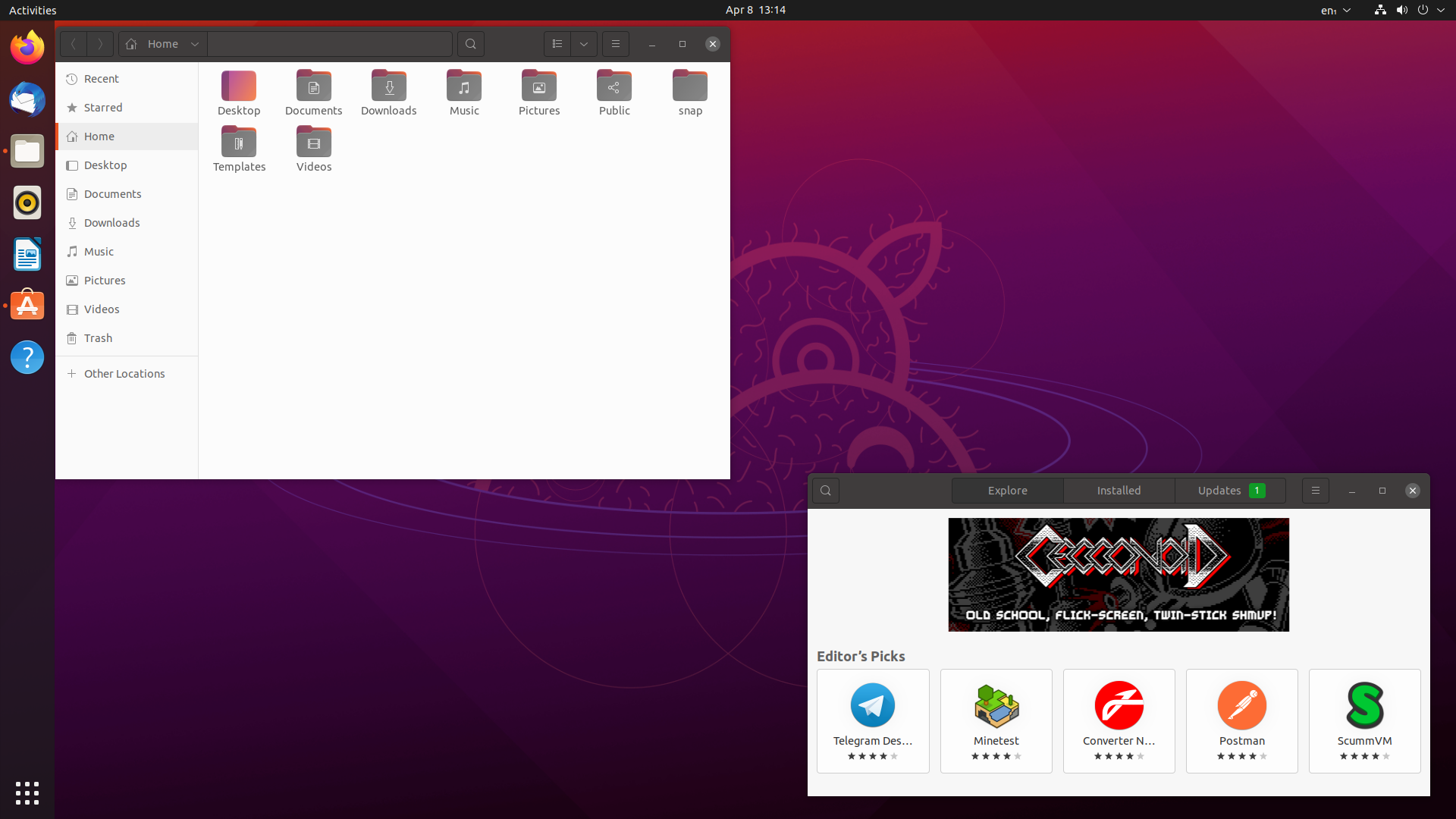
Time to get testing Ubuntu 21.04 ahead of release, plus Canonical loses another face
We seem to have missed the actual Ubuntu Testing Week but a late reminder is better than none at all right? With Ubuntu 21.04 coming soon it's time to report the bugs.
Now is a good time to get testing, as the Beta version is out now and a Release Candidate is due around April 15 so this is your chance to make one of the top Linux desktop distributions as good as possible for the 21.04 release due on April 22. According to Steam stats and our own stats, Ubuntu is in the top three most used for gaming.
[...]
Additionally, announced today, is that Alan Pope is set to leave Canonical. Pope has been a huge force in the Ubuntu community over the years and recently as a Developer Advocate, along with their work on Snap packages and much more. Good luck for the future popey! This follows on from Canonical losing Martin Wimpress, their previous desktop lead back in February.
-
How to make your first snap
Snaps are a way to package your software so it is easy to install on Linux. If you’re a snap developer already or you’re a part of the Linux community, and you care about how software is deployed, and you’re well versed in how software is packaged, and are tuned into the discussions around packaging formats, then you know about snaps and this article isn’t for you. If you’re anyone who is not all of those things, welcome. Let me tell you how I packaged my first snap to make it easier for people to install on Linux.
»
-

- Login or register to post comments
 Printer-friendly version
- 3016 reads
 PDF version
More in Tux Machines
- Highlights
- Front Page
- Latest Headlines
- Archive
- Recent comments
- All-Time Popular Stories
- Hot Topics
- New Members
digiKam 7.7.0 is released
After three months of active maintenance and another bug triage, the digiKam team is proud to present version 7.7.0 of its open source digital photo manager. See below the list of most important features coming with this release.
|
Dilution and Misuse of the "Linux" Brand
|
Samsung, Red Hat to Work on Linux Drivers for Future Tech
The metaverse is expected to uproot system design as we know it, and Samsung is one of many hardware vendors re-imagining data center infrastructure in preparation for a parallel 3D world.
Samsung is working on new memory technologies that provide faster bandwidth inside hardware for data to travel between CPUs, storage and other computing resources. The company also announced it was partnering with Red Hat to ensure these technologies have Linux compatibility.
|
today's howtos
|


.svg_.png)

 Content (where original) is available under CC-BY-SA, copyrighted by original author/s.


Two developers in race for Debian project leader post
Two developers in race for Debian project leader post