
news
KDE: Kate and KDE Connect in Review
-
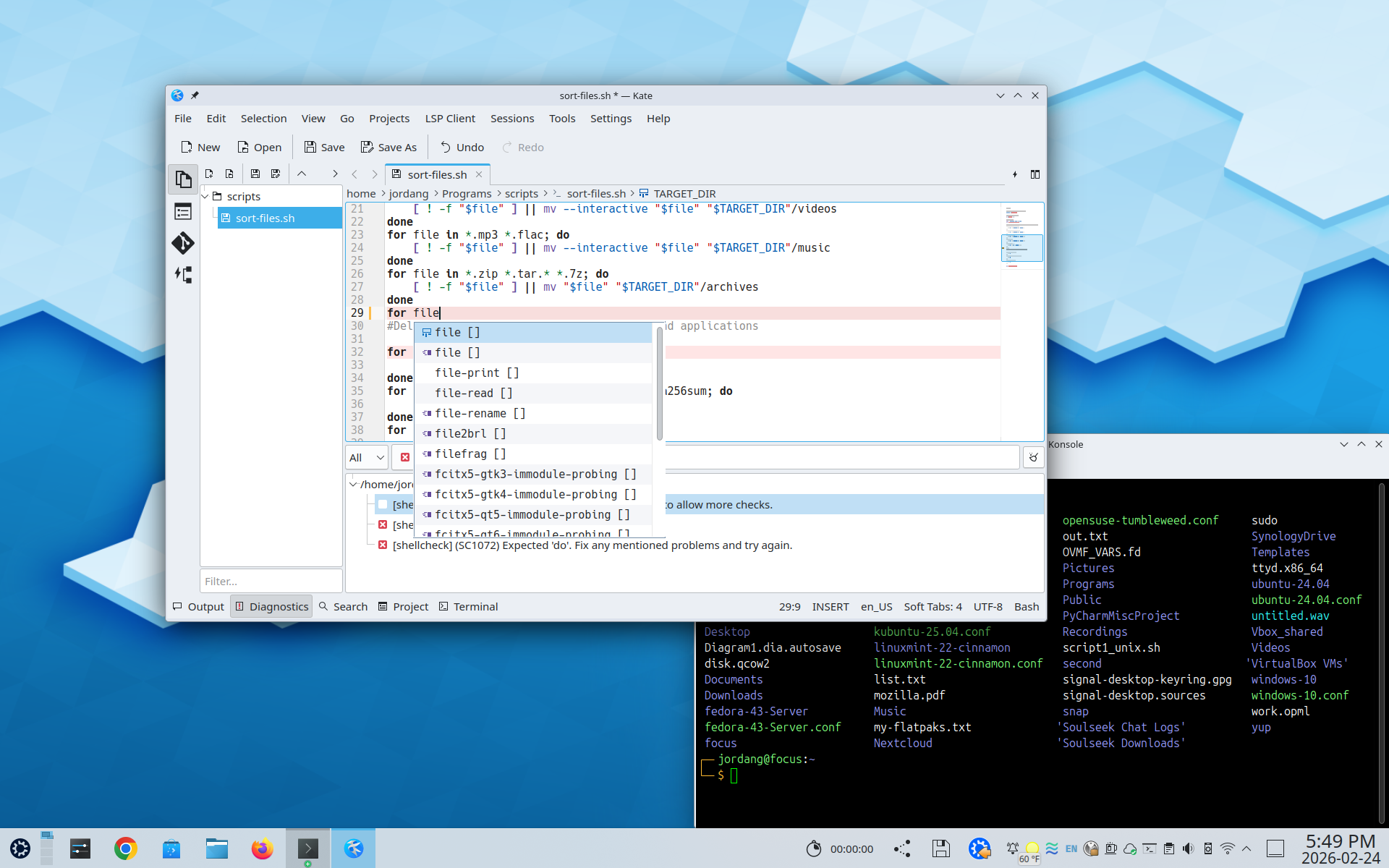
HowTo Geek ☛ Why I'm learning to code in Kate instead of VS Code
I use Linux as my primary desktop, and I have for years. My favorite desktop environment to work in is KDE Plasma. Kate is developed under the same roof, so to speak, at the KDE Project.
In fact, Kate is sometimes packaged with KDE Plasma desktop environments. It integrates the Konsole terminal emulator, which I already use for command line work, and its theming options match the standard KDE Plasma themes. A single cohesive ecosystem makes me feel at home and in tune with my PC, and since it's KDE-based, I don't have Microsoft looking over my shoulder.
-
XDA ☛ KDE Connect does something between my phone and PC that even Apple hasn't figured out
Over the years, many solutions have come around for linking your phone to your PC in an attempt to improve your productivity or simply make things more seamless as you move from one device to another. Apple is arguably the most notorious and successful in this endeavour, though Microsoft has been trying hard to replicate it with its Phone Link app.
But unbeknownst to most people, there's a solution that may be even better than both of those. It's called KDE Connect, and it has some features you won't even find in Apple's tightly integrated ecosystem, which I've found fascinating.
I tested KDE Connect between my phone running Android 16 (specifically, LineageOS 23.2) and my laptop running Arch Linux with KDE Plasma, and frankly, the setup process was incredibly easy. With the app installed on both devices, my laptop immediately appeared as an available device on my phone, and linking the two was instant. I was also able to access the features I'm going to talk about immediately without much setup, either.