
news
Valnet on GNU/Linux Applications: VLC, Neovim, Vim
-
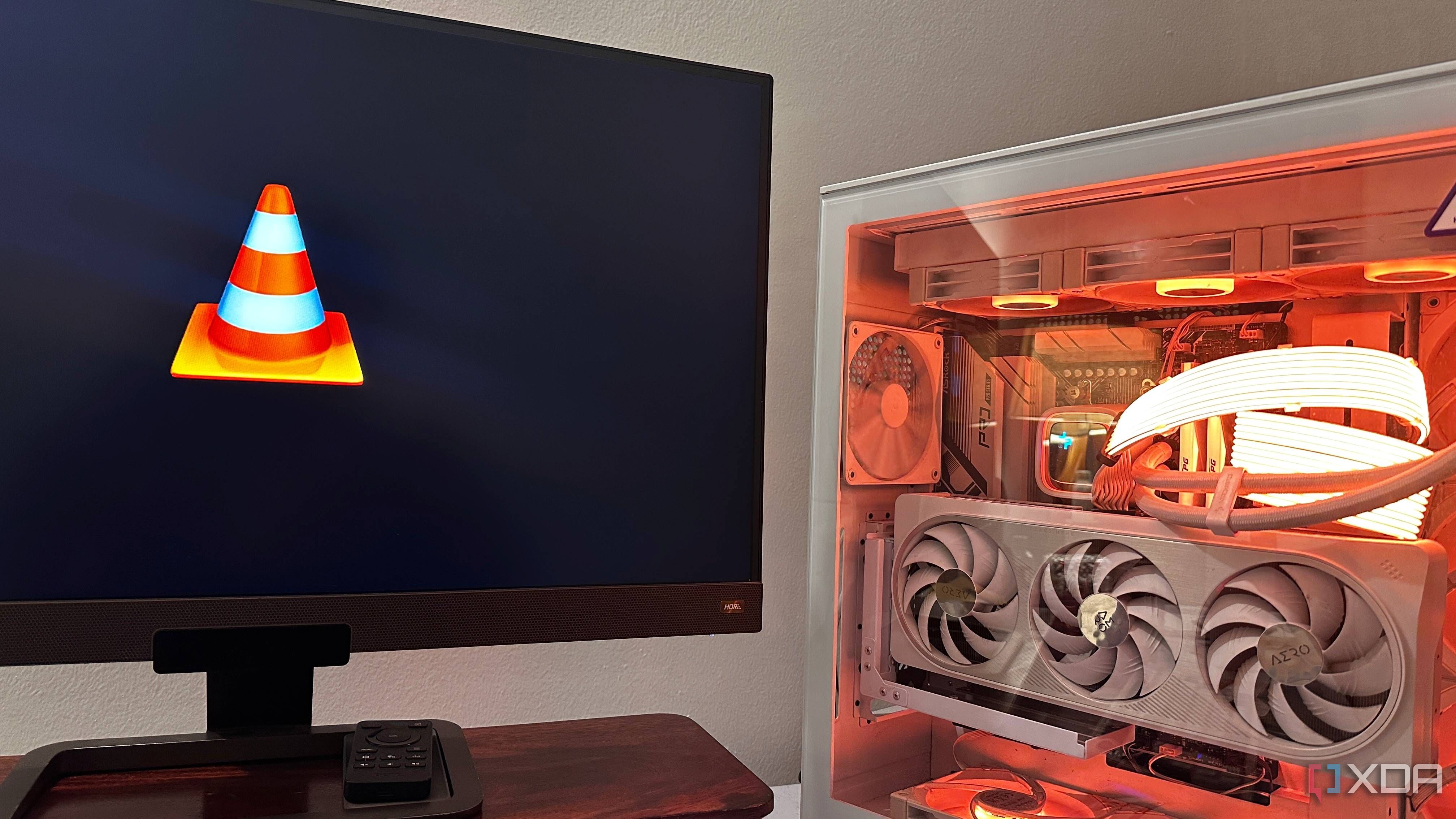
XDA ☛ 5 game-changing VLC features I wish I’d started using sooner
I just got done with a clean reinstallation of Windows on my PC, and as always, one of the very first pieces of software I downloaded was an old friend that's been with me for over two decades now — VLC media player. VLC is just as powerful as it is no-nonsense, and it does the job, no matter what codec you decide to throw at it. The best part? It does all that it's capable of while still being free and never being too resource-hungry, if at all.
So, imagine my surprise when I found out that VLC could have been doing a lot more for me on top of what it already did. Not only was this "ol' reliable" software my only media player ever since I left GOM back in 2016, but it's also been hiding some rather nifty features the entire while that I can't wait to use more frequently, now that I've come upon them.
-
HowTo Geek ☛ 6 Neovim plugins that finally fixed my coding workflow
Neovim is already quite powerful out of the box, but getting the most out of it is less about piling on plugins and more about choosing the right ones. The plugins below are not popular because they are fashionable, but because they solve specific annoyances that show up after you have spent enough time inside the editor (usually longer than you planned).
None of the plugins is required to properly use Neovim. They earn their place by unlocking parts of the editor that only matter once you are trying to get the most out of it. The installation steps in the sections below assume the use of Lazy (often confused with LazyVim), a widely used plugin manager for Neovim.
-
HowTo Geek ☛ 11 Vim tips that will save you hours of editing time
Want to take your Vim game to the next level? From my time using Vim, I've learned many neat tips and tricks that have saved me tons of time and headaches while editing with Vim. I'm sharing some of my top tips in this guide so you can incorporate them into your workflow.
-
XDA ☛ 5 easy Linux UX upgrades I wish I made years ago
One of Linux’s biggest problems on the desktop isn’t stability, performance, or even software availability anymore. Rather, it’s the first impression. A fresh Linux install often works, but it doesn’t always feel good to use right away. The frustrating part is that most of what makes it feel rough isn’t fundamental to Linux at all, it's just default behaviors.
With a handful of tweaks you can make on first boot, plus a few lightweight tools worth installing, you can dramatically improve the day-to-day experience without changing your distro, replacing your desktop environment, or touching the terminal much at all.
-
XDA ☛ I replaced all my browser bookmarks with this terminal-based knowledge management tool
As someone who loves working from the terminal, I am always on the lookout for Linux utilities that help me accomplish tasks directly from the command line, without relying on third-party GUI applications. One of the great strengths of Linux is the wide range of software it offers to make workflows more productive.
Recently, I came across a tool called buku, a command-line bookmark manager. It allows you to import and export bookmarks from browsers such as Firefox and Chrome, or start fresh if you prefer. By keeping your bookmarks separate from your web browser, you no longer have to worry about exporting or migrating them when switching browsers. Everything is already available and working right in your terminal.