
news
Proxmox Articles From Valnet
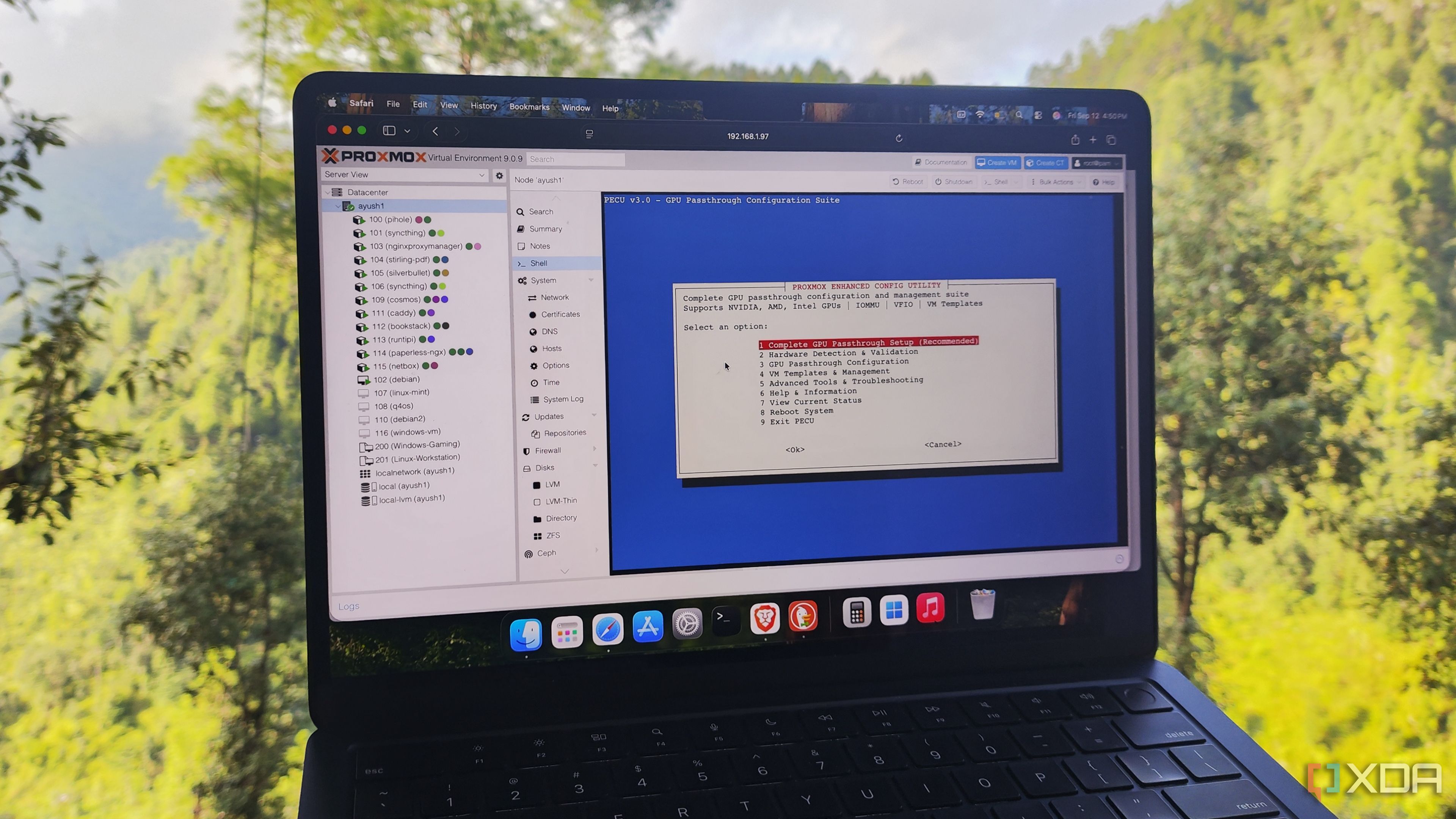
-
XDA ☛ 6 underrated Proxmox tools that make managing your home lab so much easier
Proxmox may be well known for its top-tier virtualization performance, FOSS nature, and native support for LXCs, but it has a ton of other features that make it stand out from the rest of the server platforms. Take its compatibility with first- and third-party tools, for example. Thanks to the talented minds at Proxmox and a supportive community of tinkerers, the PVE ecosystem is laden with handy services you can integrate with your home lab.
But with a staggering number of Proxmox-centric projects on GitHub, many utilities tend to stay out of the spotlight and don’t get the recognition they deserve. That’s a shame, because some of these tools are a godsend for managing, troubleshooting, and monitoring your Proxmox home lab.
-
XDA ☛ 8 Proxmox utilities every home labber should use
From top-tier performance in virtualization workloads to native support for LXCs, clusters, and ZFS, Proxmox has enough features that justify its popularity in the home lab ecosystem. However, the sheer number of first and third-party tools available for Proxmox is its biggest advantage over other virtualization platforms and server distros.
I often spend my weekends looking into all the cool services, packages, and scripts I can integrate with my Proxmox nodes – and here’s a list of utilities that I consider essential for my PVE workstations.
-
XDA ☛ I now control my Proxmox clusters from the Terminal with PVETUI
It's no great secret that I'd work entirely from the Windows Terminal if I could. I've customized its look and feel, and swapped a bunch of resource-hungry apps for TUI versions. I've done the same for my Linux distros, and it just feels like home. Maybe that's because I started my computer journey on ProDOS and MS-DOS, so I learned the command line before anything else.
I'm also a big fan of Proxmox, which runs most of my home lab, or at least the things that don't need bare-metal access. Don't get me wrong, I do like the web UI for Proxmox, and SSH from a Terminal window can do most things, but I like to have the best of both worlds. That's why when I saw there was a TUI to manage Proxmox, PVETUI, I rushed to install it, and I think I'm going to use this much more than the browser UI.
-
XDA ☛ Who needs Proxmox? I'm finally trying out Incus
Virtualization platforms like Proxmox or ESXi are handy tools if you want to test Linux distros or containers before they go into production, or if you're in the middle of your home lab journey. While Proxmox is the hypervisor of choice for most XDA home labbers, it's nowhere near the only option and is built for broad compatibility with the widest range of hosted OSes.
Some tools take a different look at the problem, and that's what Incus was built for. It's an open-source container and virtual machine manager designed by the developers who created LXD, to give you a public cloud experience while self-hosting. It differs in that it's built for security at every stage, can deploy dozens of VMs at once with minimal slowdown, and specializes in full-system containers that include systemd, multiple users, and all the other features of a full Linux installation.
Be warned, it's nowhere near as user-friendly as some virtual machine managers, but is very good at spinning up sprawling cloud instances for testing at scale.