



How to Install and Use Homebrew Package Manager on Linux
Submitted by trendoceangd on Friday 29th of July 2022 03:35:42 PM
Filed under

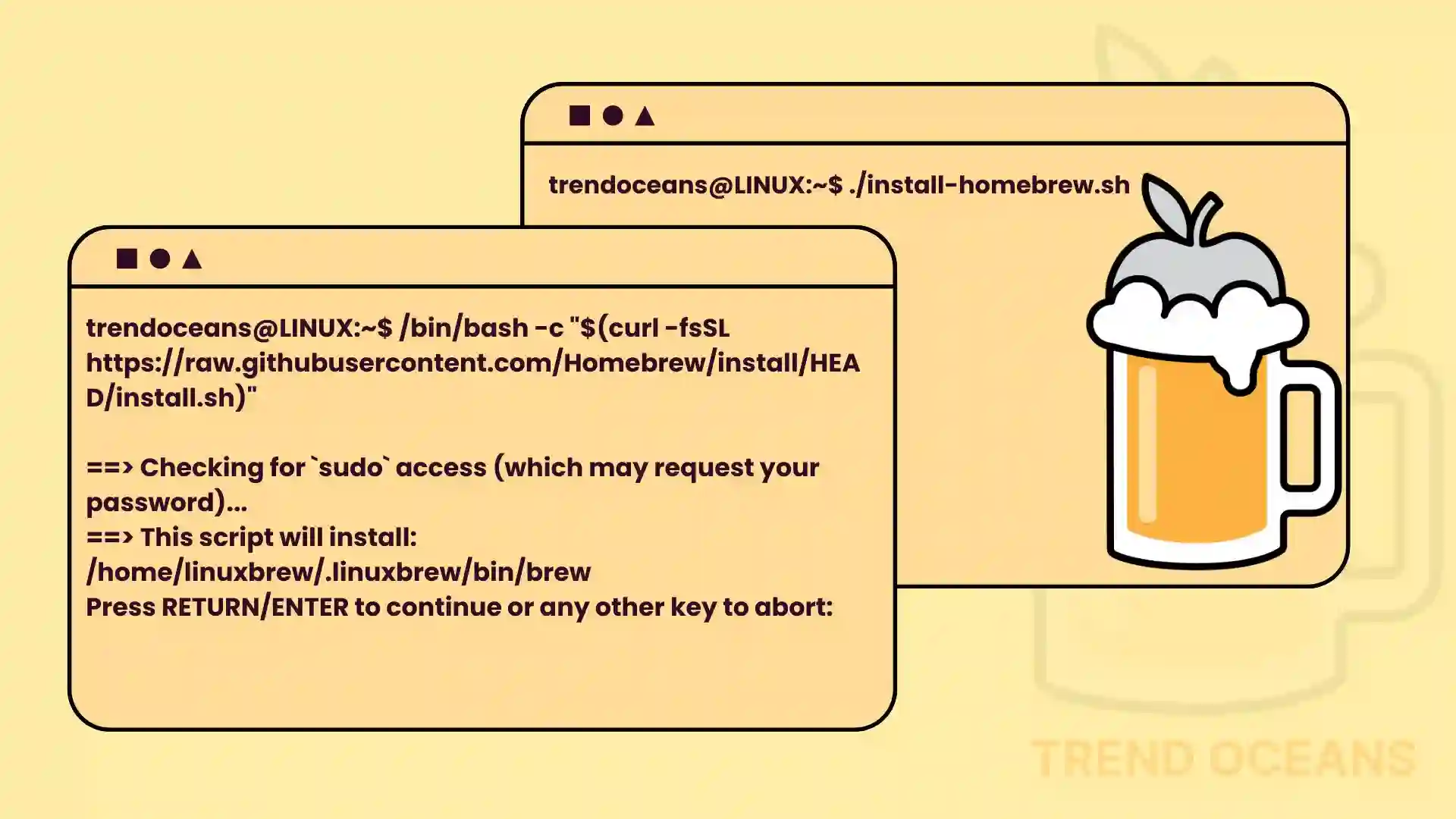
Homebrew gained its popularity after being the default package manager for macOS. It’s heavily used by developers to install, remove, and manage packages from the command line.
Also, you cannot deny the fact that Linux is leading the race by providing an amazing package manager. Apart from that, you will also get Snap, Flatpak, and AppImage to manage your packages from the command line.

»
-

- Login or register to post comments
 Printer-friendly version
- 776 reads
 PDF version
More in Tux Machines
- Highlights
- Front Page
- Latest Headlines
- Archive
- Recent comments
- All-Time Popular Stories
- Hot Topics
- New Members
today's howtos
| Open Hardware: XON/XOFF and Raspberry Pi Pico
|
Security Leftovers
| How to Apply Accent Colour in Ubuntu Desktop
A step-by-step tutorial on how to apply accent colour in Ubuntu desktop (GNOME) with tips for Kubuntu and others.
|


 This section of TuxMachines will no longer have new stories in it (with some caveats, including this post). To see the latest stories go to


 Content (where original) is available under CC-BY-SA, copyrighted by original author/s.



Recent comments
2 days 6 hours ago
2 days 10 hours ago
2 days 10 hours ago
3 days 17 hours ago
3 days 18 hours ago
3 days 19 hours ago
3 days 19 hours ago
3 days 19 hours ago
3 days 22 hours ago
4 days 25 sec ago