



Curtail is an Awesome Image Compressor Tool for Linux
Submitted by Roy Schestowitz on Tuesday 19th of July 2022 03:22:54 AM
Filed under

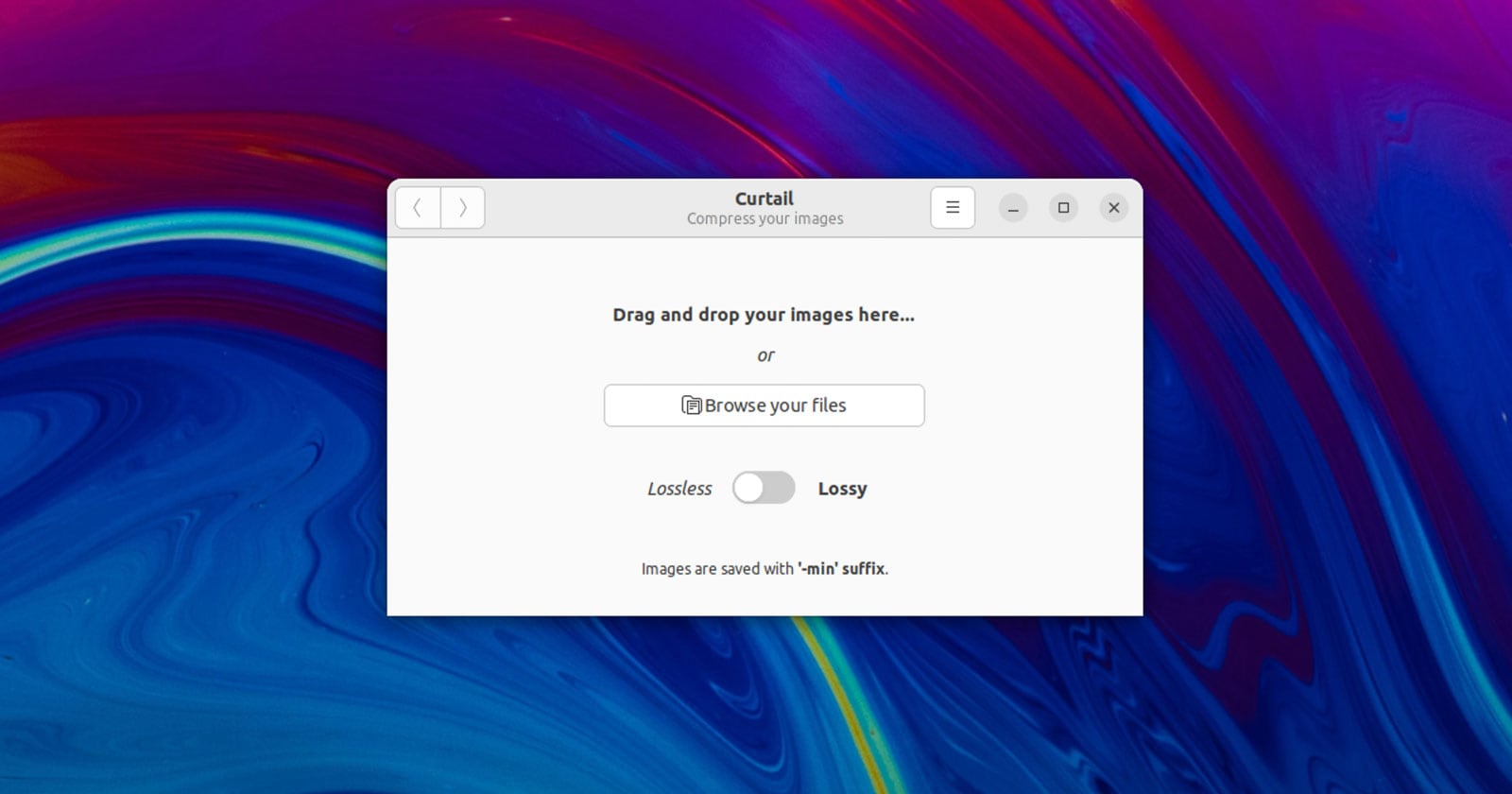
Running a blog like this means I need to keep one eye on the size of screenshots I use in posts — the smaller the images I upload the faster the page loads for you.
Thus having access to a good image compressor tool is a must.
Thankfully for those of us being mindful of bandwidth we are spoilt for choice. Not only is there a broad range of image compression apps for Linux, from powerful CLI type through to noob-proof GUI ones, there’s also a veritable surfeit of online compressors (including superbly useful Squoosh, which can work offline).
Thing is, I prefer desktop apps where possible.

»
-

- Login or register to post comments
 Printer-friendly version
- 955 reads
 PDF version
More in Tux Machines
- Highlights
- Front Page
- Latest Headlines
- Archive
- Recent comments
- All-Time Popular Stories
- Hot Topics
- New Members
today's howtos
| Open Hardware: XON/XOFF and Raspberry Pi Pico
|
Security Leftovers
| How to Apply Accent Colour in Ubuntu Desktop
A step-by-step tutorial on how to apply accent colour in Ubuntu desktop (GNOME) with tips for Kubuntu and others.
|


 This section of TuxMachines will no longer have new stories in it (with some caveats, including this post). To see the latest stories go to


 Content (where original) is available under CC-BY-SA, copyrighted by original author/s.



Recent comments
2 days 4 hours ago
2 days 8 hours ago
2 days 8 hours ago
3 days 15 hours ago
3 days 16 hours ago
3 days 17 hours ago
3 days 17 hours ago
3 days 17 hours ago
3 days 20 hours ago
3 days 21 hours ago