



today's howtos
Submitted by Roy Schestowitz on Wednesday 27th of April 2022 09:08:58 AM
Filed under 
-
How to Display Two Files Side by Side in Linux
File management is an important aspect of Linux administration, therefore, learning a few tricks to lessen the hurdles involved in working with user or system files under the Linux ecosystem is always welcomed.
One of these tricks is how you choose to display your files. Instead of opting for a graphical file reader and using your computer touchpad or mouse to move/navigate from one file to another, you could opt to remain in your command line environment and have a preview of the two files you wish to compare side by side.
-
How to Lock a Text File in Linux Using flock Command
Before we explore the techniques/approaches of locking a text file under a Linux operating system environment, we should first understand the logic behind Linux’s file locking mechanism.
Linux’s file locking mechanism restricts/controls file access among multiple processes. When a text file is successfully locked, only one process can access it on a specific time schedule.
Before proceeding with this article, please understand that file locking is very much different from file encryption or file access control where a passphrase or password is needed to control user access to your files.
-
How to Parse or View XML Code in Linux Command Line
XML is an abbreviation for Extensible Markup Language. Since XML is both a markup language and a file format, its usage is paramount in the storage, transmission, and reconstruction of arbitrary data. XML-defined set of rules makes it possible to encode documents in machine-readable and human-readable formats.
There is a downside to XML being attributed as a human-readable language. It is challenging to read and write due to its unfriendly format. For instance, you will find it difficult to visually comprehend a single long line of XML code when it lacks element indentations.
-
How to Split a Large File into Parts at Given Line Numbers
As a Linux administrator or advanced user, mastering file management in whatever Linux operating system distribution you are using is paramount. File management is a core aspect of Linux operating system administration and without it, we would not be able to embrace file-related features like file encryption, file user management, file compliance, file updates & maintenance, and file lifecycle management.
In this article, we will look at an important aspect of Linux file management which is splitting large files into parts at given line numbers. If the objective of this article was just to split a large file into manageable small files without considering file line numbers, then all we would need is the convenience of the split command.
-
How To Limit Number of Connections (Requests) in NGINX
NGINX ships with various modules to allow users to control traffic to their websites, web applications, as well as other web resources. One of the key reasons for limiting traffic or access is to prevent abuses or attacks of certain kinds such as DoS (Denial of Service) attacks.
-
11 Things To Do After Installing Ubuntu 22.04 LTS
In this first part of our three-part series, we will discuss how to limit the number of connections in NGINX to safeguard your websites/applications.
-
A practical guide to light and dark mode in Jekyll
-
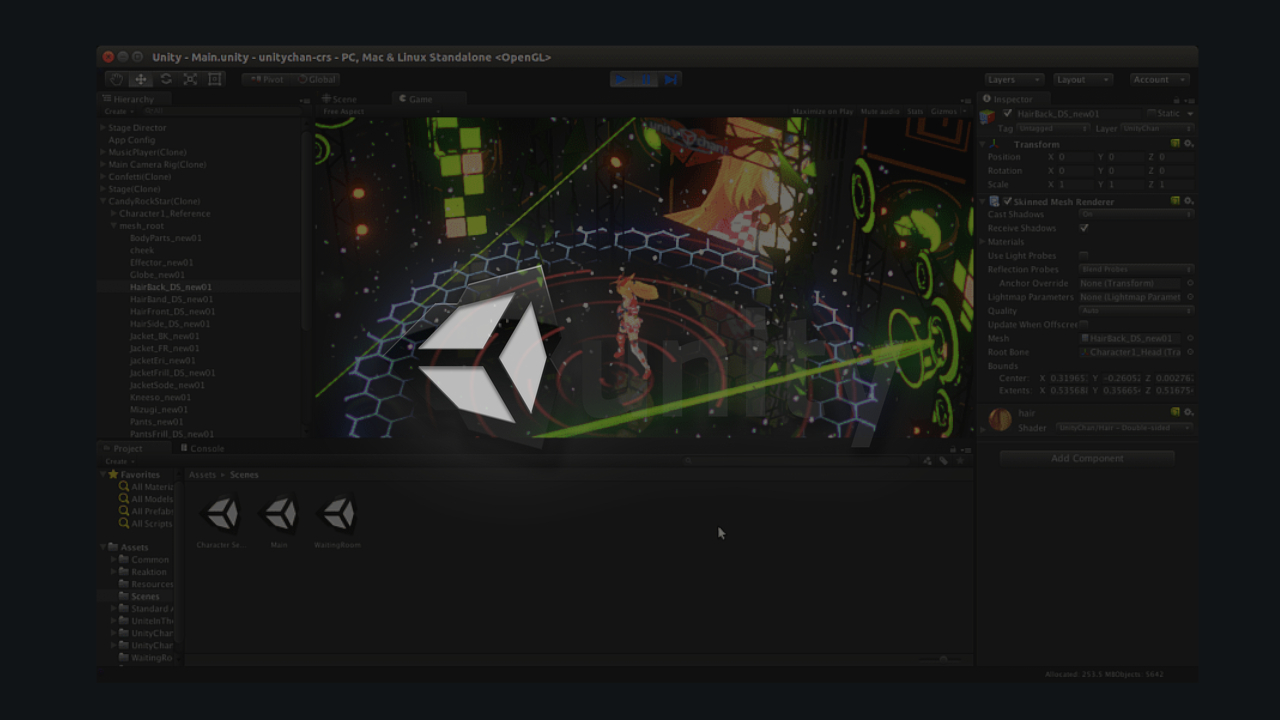
How to Install Unity Engine on Ubuntu 22.04 via AppImage [Ed: This is a Microsoft (Mono) infection vector]
»
-

- Login or register to post comments
 Printer-friendly version
- 1564 reads
 PDF version
More in Tux Machines
- Highlights
- Front Page
- Latest Headlines
- Archive
- Recent comments
- All-Time Popular Stories
- Hot Topics
- New Members
digiKam 7.7.0 is released
After three months of active maintenance and another bug triage, the digiKam team is proud to present version 7.7.0 of its open source digital photo manager. See below the list of most important features coming with this release.
|
Dilution and Misuse of the "Linux" Brand
|
Samsung, Red Hat to Work on Linux Drivers for Future Tech
The metaverse is expected to uproot system design as we know it, and Samsung is one of many hardware vendors re-imagining data center infrastructure in preparation for a parallel 3D world.
Samsung is working on new memory technologies that provide faster bandwidth inside hardware for data to travel between CPUs, storage and other computing resources. The company also announced it was partnering with Red Hat to ensure these technologies have Linux compatibility.
|
today's howtos
|


 Content (where original) is available under CC-BY-SA, copyrighted by original author/s.



Recent comments
1 year 11 weeks ago
1 year 11 weeks ago
1 year 11 weeks ago
1 year 11 weeks ago
1 year 11 weeks ago
1 year 11 weeks ago
1 year 11 weeks ago
1 year 11 weeks ago
1 year 11 weeks ago
1 year 11 weeks ago