



EndeavourOS Review
Submitted by Roy Schestowitz on Saturday 3rd of July 2021 08:54:08 PM
Filed under 

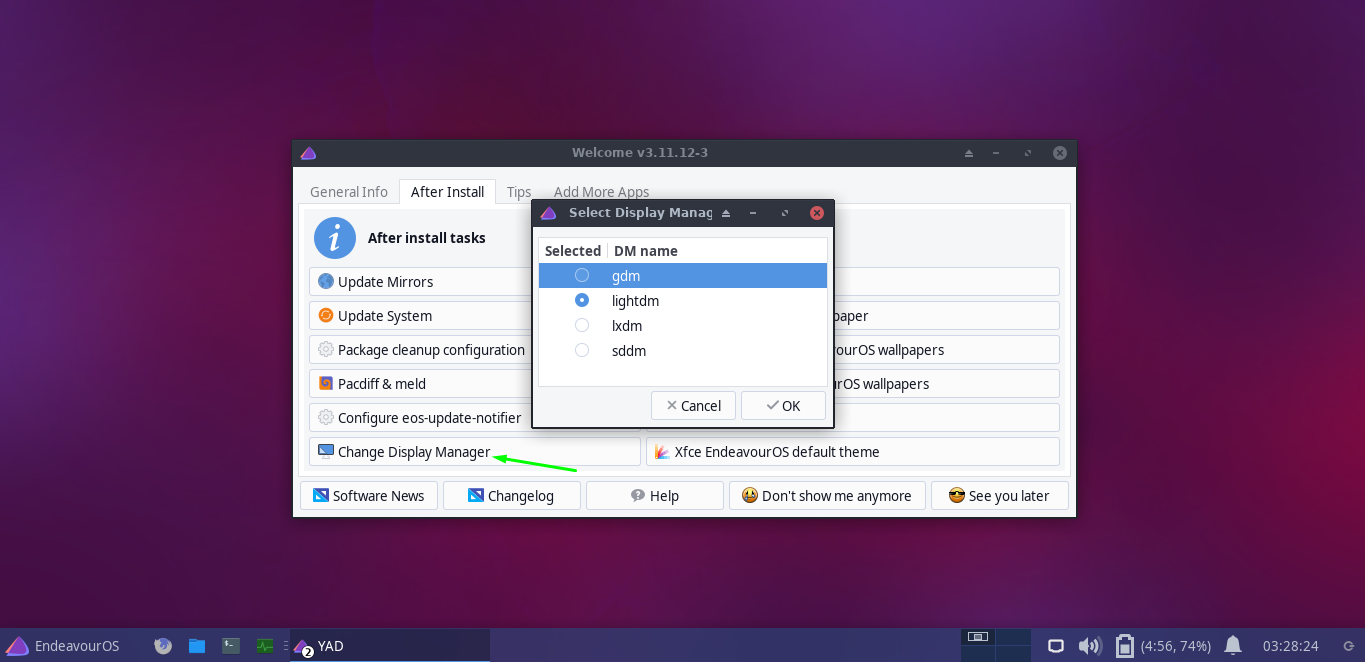
EndeavourOS is an Arch-based Linux distribution that provides its users a user-friendly installer and an attractive Xfce environment that allows you to install online and offline editions. While installing the online edition, you would get multiple customizations to look at.
Well, these are the exciting features of the Endeavour Linux system that we will discuss later. Firstly, we should know the history of this fantastic addition in Arch-based Linux distributions.
History:
In May 2019, it was decided to discontinue the Antergos operating system due to some troubles. However, if we talk about EndeavourOS, it was the successor of Antergos as one of its moderators, “Bryan Poerwoatmodjo” introduced an idea in a conference to develop a new system community create a system that can replace Antergos.
Within a week, the plan was shared at the community level, and the development work began with the help of other developers, including Johannes Kamprad, Fernando Omiechuk Frozi, and Manuel. The initial purpose was to build a user-friendly system using the Antergos net-installer Cnchi, so they started to work on it. But after some time, they realized the Antergos installer Cnchi couldn’t work correctly due to technical issues; they searched for its replacement and found the Calamares (system installer for Linux distributions) that have the same GUI support.
Then the team offered a new plan to develop a user-friendly and easy-to-maintain Linux distribution close to Arch Linux with GUI installer convenience. And in July 2019, the developers released Endeavour distribution’s first ISO that was admired by the community more than expected, and they received positive feedback. After that, they started working on a net installer to give users various desktop environments. Moreover, users can also choose driver packages while installing the operating system.

»
-

- Login or register to post comments
 Printer-friendly version
- 2245 reads
 PDF version
More in Tux Machines
- Highlights
- Front Page
- Latest Headlines
- Archive
- Recent comments
- All-Time Popular Stories
- Hot Topics
- New Members
digiKam 7.7.0 is released
After three months of active maintenance and another bug triage, the digiKam team is proud to present version 7.7.0 of its open source digital photo manager. See below the list of most important features coming with this release.
|
Dilution and Misuse of the "Linux" Brand
|
Samsung, Red Hat to Work on Linux Drivers for Future Tech
The metaverse is expected to uproot system design as we know it, and Samsung is one of many hardware vendors re-imagining data center infrastructure in preparation for a parallel 3D world.
Samsung is working on new memory technologies that provide faster bandwidth inside hardware for data to travel between CPUs, storage and other computing resources. The company also announced it was partnering with Red Hat to ensure these technologies have Linux compatibility.
|
today's howtos
|


 Content (where original) is available under CC-BY-SA, copyrighted by original author/s.



Recent comments
1 year 11 weeks ago
1 year 11 weeks ago
1 year 11 weeks ago
1 year 11 weeks ago
1 year 11 weeks ago
1 year 11 weeks ago
1 year 11 weeks ago
1 year 11 weeks ago
1 year 11 weeks ago
1 year 11 weeks ago