



10 Best Linux distro based on Ubuntu for laptops or PC 2021
Submitted by Roy Schestowitz on Friday 26th of March 2021 03:42:43 PM
Filed under 


Performance is generally not the first word that comes to mind when someone mentions laptops. More portability and battery life are one of the primary requirements. Of course, no one wants to sacrifice power or speed and that is why more and more people switch to Linux. Some do it to revive old hardware and others generally have tried and grown to love the open-source garden. The added security is also a great selling point during these times.
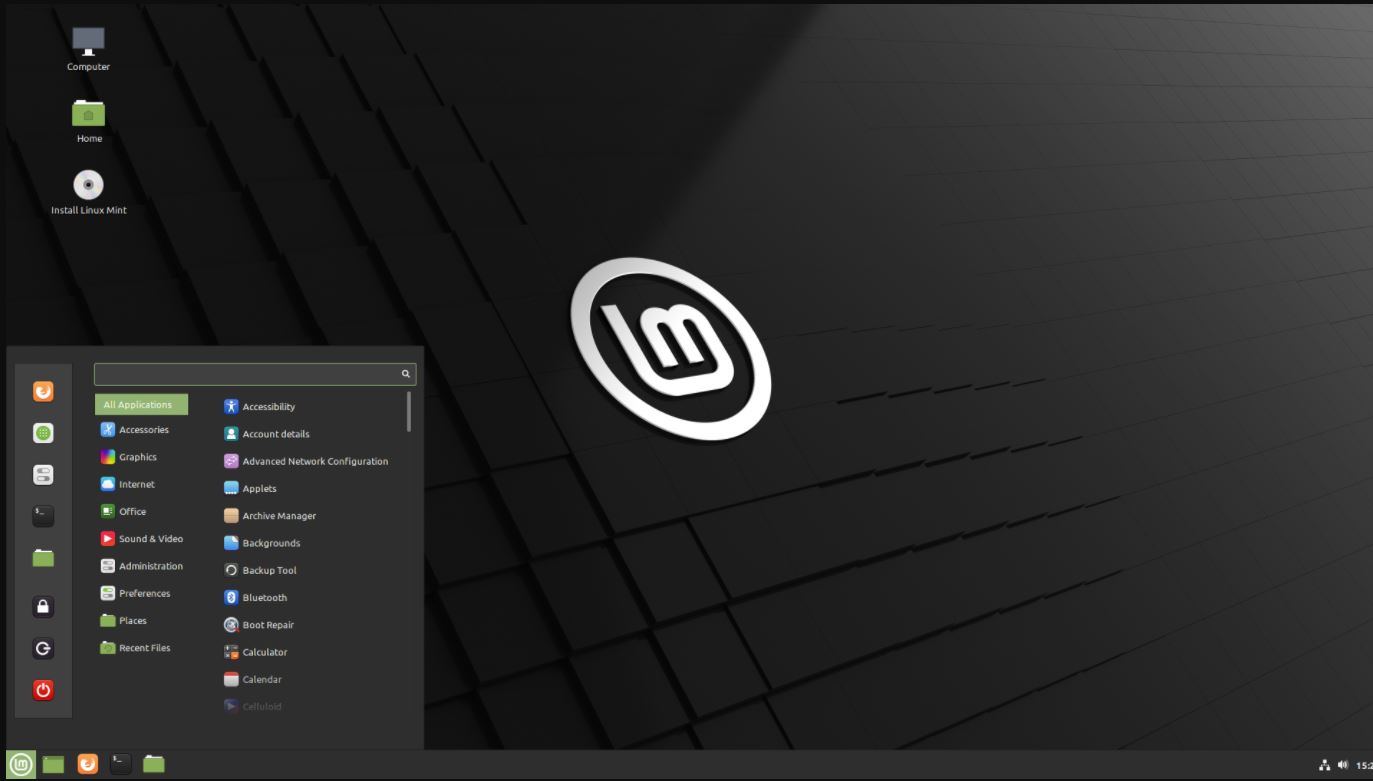
Linux mint has been time tested and is the go-to recommendation for Ubuntu-based laptop distros. It runs on minimal resources and is extremely lightweight for the punch that it packs. We all have come across distros that make us install basic tools later. Ain’t nobody got time for that.
We have to be up and running as soon as possible. Mint eliminates this hassle as it ships with almost all the basic tools that you might require. It is also easy on the eyes and does not deviate too much from the look and feel of the mainstream OS’s and closely resembles layouts that you might already be used to if you’re new and switching to Linux.
However, if you switched just to leverage the insane customizability options that Linux offers or maybe you just don’t like the stock look and want something a little more aesthetic, Mint is based on Ubuntu and most desktop and window managers should work out of the box without a tonne of setup or tinkering. Mint also receives a huge thumbs up for supporting Nvidia drivers. Great for machine learning developers, gamers, etc.
Well, what if you don’t want to use Linux Mint because it is not the only Linux distro that is based on Ubuntu and that’s why we are here with some best and well-known Linux distributions based on Ubuntu to offer an easy to use interface and its own flavor…

»
-

- Login or register to post comments
 Printer-friendly version
- 3606 reads
 PDF version
More in Tux Machines
- Highlights
- Front Page
- Latest Headlines
- Archive
- Recent comments
- All-Time Popular Stories
- Hot Topics
- New Members
digiKam 7.7.0 is released
After three months of active maintenance and another bug triage, the digiKam team is proud to present version 7.7.0 of its open source digital photo manager. See below the list of most important features coming with this release.
|
Dilution and Misuse of the "Linux" Brand
|
Samsung, Red Hat to Work on Linux Drivers for Future Tech
The metaverse is expected to uproot system design as we know it, and Samsung is one of many hardware vendors re-imagining data center infrastructure in preparation for a parallel 3D world.
Samsung is working on new memory technologies that provide faster bandwidth inside hardware for data to travel between CPUs, storage and other computing resources. The company also announced it was partnering with Red Hat to ensure these technologies have Linux compatibility.
|
today's howtos
|


 Content (where original) is available under CC-BY-SA, copyrighted by original author/s.



Recent comments
1 year 11 weeks ago
1 year 11 weeks ago
1 year 11 weeks ago
1 year 11 weeks ago
1 year 11 weeks ago
1 year 11 weeks ago
1 year 11 weeks ago
1 year 11 weeks ago
1 year 11 weeks ago
1 year 11 weeks ago