



Unlock your Chromebook's hidden potential with Linux
Submitted by Roy Schestowitz on Friday 19th of February 2021 02:26:24 PM
Filed under 


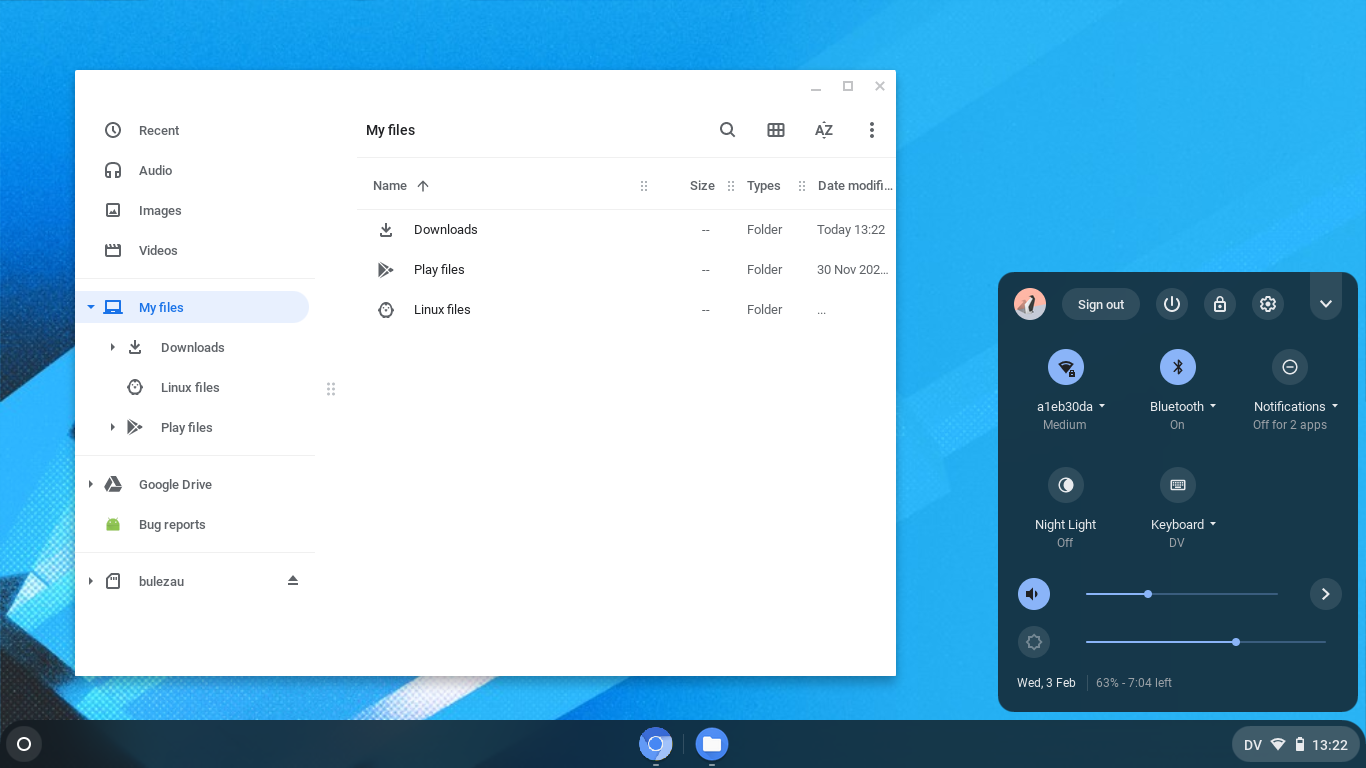
Google Chromebooks run on Linux, but normally the Linux they run isn't particularly accessible to the user. Linux is used as a backend technology for an environment based on the open source Chromium OS, which Google then transforms into Chrome OS. The interface most users experience is a desktop that can run Chrome browser apps and the Chrome browser itself. And yet underneath all that, there's Linux to be found. If you know how, you can enable Linux on your Chromebook and turn a computer that was probably relatively cheap and basic into a serious laptop with access to hundreds of applications and all the power you need to make it an all-purpose computer.
[...]
Now that you're running in Developer Mode, you can activate the Linux Beta feature in Chrome OS. To do that, open Settings and click on Linux Beta in the left column.
Activate Linux Beta and allot some hard drive space for your Linux system and applications. Linux is pretty lightweight at the worst of times, so you don't really need much space, but it obviously depends on how much you intend to do with Linux. 4 GB is enough for Linux plus a few hundred terminal commands and two dozen graphical applications. Because my Chromebook has a 64 GB memory chip, I gave 30 GB over to Linux because most of what I do on my Chromebook is in Linux.
Once your Linux Beta environment is ready, you can launch a terminal by pressing the Search button on your keyboard and typing terminal. If you're new to Linux, you may not know what to install now that you have access. This, of course, depends on what you want to do with Linux. If you're interested in Linux for programming, then you might start with Bash (that's already installed and running in the terminal) and Python. If you're interested in Linux for all of its amazing open source applications, you might try applications like GIMP, MyPaint, LibreOffice, or Inkscape.
The Linux Beta mode of Chrome OS lacks a graphical installer for software, but applications can be installed from the terminal. Install applications with the sudo apt install command.

Also: Windows is losing to Linux... but not how you might think.
»
-

- Login or register to post comments
 Printer-friendly version
- 2454 reads
 PDF version
More in Tux Machines
- Highlights
- Front Page
- Latest Headlines
- Archive
- Recent comments
- All-Time Popular Stories
- Hot Topics
- New Members
digiKam 7.7.0 is released
After three months of active maintenance and another bug triage, the digiKam team is proud to present version 7.7.0 of its open source digital photo manager. See below the list of most important features coming with this release.
|
Dilution and Misuse of the "Linux" Brand
|
Samsung, Red Hat to Work on Linux Drivers for Future Tech
The metaverse is expected to uproot system design as we know it, and Samsung is one of many hardware vendors re-imagining data center infrastructure in preparation for a parallel 3D world.
Samsung is working on new memory technologies that provide faster bandwidth inside hardware for data to travel between CPUs, storage and other computing resources. The company also announced it was partnering with Red Hat to ensure these technologies have Linux compatibility.
|
today's howtos
|


 Content (where original) is available under CC-BY-SA, copyrighted by original author/s.



Recent comments
1 year 11 weeks ago
1 year 11 weeks ago
1 year 11 weeks ago
1 year 11 weeks ago
1 year 11 weeks ago
1 year 11 weeks ago
1 year 11 weeks ago
1 year 11 weeks ago
1 year 11 weeks ago
1 year 11 weeks ago