



Dell XPS 13 7390 Review: The Best Laptop For Desktop Linux Users
Submitted by Rianne Schestowitz on Thursday 5th of December 2019 02:04:53 AM
Filed under 

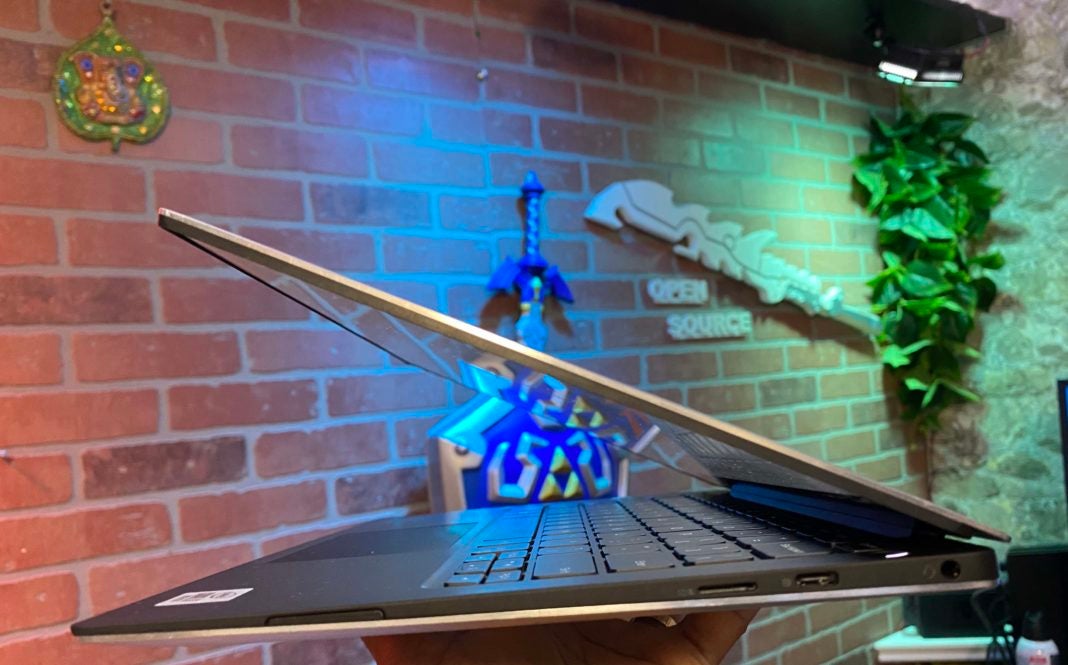
Gone are the days when we had to do a lot of research and read a lot of reviews to find a machine that would work with the least amount of trouble with the desktop Linux distribution of choice. Today, almost every machine out there can run Linux. The kernel community has done an incredible job with device driver support to make everything work out of the box.
Still, there are machines that can run Linux, and then there are machines that run Linux. Dell machines fall in the latter category. Five years ago, Barton George started a program within Dell to bring desktop Linux to consumer grade, high-end Dell systems. What started as one machine is now an entire line of high-end laptops and desktops.
Among these machines, XPS 13 is my favorite. While I need a really powerful desktop to handle my 4K UHD, multicam video production, I also need an ultra-portable laptop that I can bring with me anywhere without having to worry about a bulky backpack and charger. XPS 13 was also my very first laptop, which lasted me more than 7 years. So, yes, there is that nostalgic factor, too.

»
-

- Login or register to post comments
 Printer-friendly version
- 3001 reads
 PDF version
More in Tux Machines
- Highlights
- Front Page
- Latest Headlines
- Archive
- Recent comments
- All-Time Popular Stories
- Hot Topics
- New Members
digiKam 7.7.0 is released
After three months of active maintenance and another bug triage, the digiKam team is proud to present version 7.7.0 of its open source digital photo manager. See below the list of most important features coming with this release.
|
Dilution and Misuse of the "Linux" Brand
|
Samsung, Red Hat to Work on Linux Drivers for Future Tech
The metaverse is expected to uproot system design as we know it, and Samsung is one of many hardware vendors re-imagining data center infrastructure in preparation for a parallel 3D world.
Samsung is working on new memory technologies that provide faster bandwidth inside hardware for data to travel between CPUs, storage and other computing resources. The company also announced it was partnering with Red Hat to ensure these technologies have Linux compatibility.
|
today's howtos
|


 Content (where original) is available under CC-BY-SA, copyrighted by original author/s.



Recent comments
1 year 11 weeks ago
1 year 11 weeks ago
1 year 11 weeks ago
1 year 11 weeks ago
1 year 11 weeks ago
1 year 11 weeks ago
1 year 11 weeks ago
1 year 11 weeks ago
1 year 11 weeks ago
1 year 11 weeks ago