



How to use Slax Linux? A Portable Linux distribution that doesn’t require installation
Submitted by Roy Schestowitz on Tuesday 1st of October 2019 02:26:47 PM
Filed under 

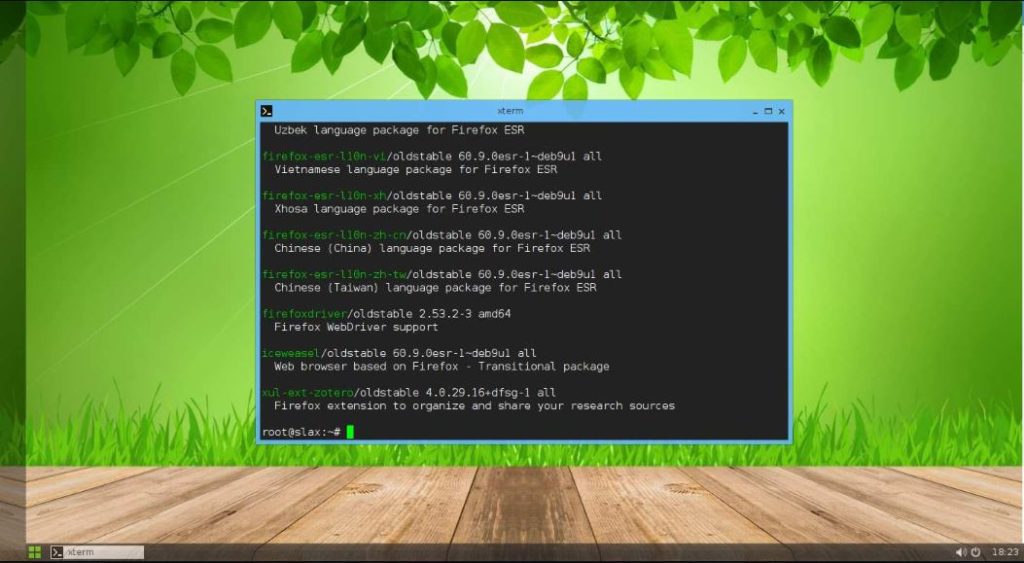
If you want to use or get a flexible computer, want to play with new programs or simply want to tinker around with them, Linux is the best platform for you. As Linux is an open platform, you can find a lot of recipes to make your computer exactly the way you want. One of the advantages of Linux systems or more importantly most Linux distributions is that you can run the live version of distribution so that you can understand whether it will work for you. Once you start using the live version of some Linux distribution, become satisfied with that, you can always proceed with the installation of it on your system.
Though the live version of distributions is available for most Linux distributions out there, the changes that you make on the live version will not be retained next time you boot your computer. Besides that, you can’t even install new programs as it runs in kind of a read-only mode. However, I recently came across a Linux distribution which is a perfect portable distribution of Linux that you can use. I am talking about Slax. Slax is a distribution of Linux, which can run right from your USB or thumb drive and the changes that you make will be retained, next time you boot your computer with Slax. Not to mention, Slax doesn’t require any installation as well.
I really liked the concept of Slax, and in this tutorial, we see how we can set it up on your USB flash drive to run it on any computer you get physical access to. The best thing the changes that done during the Live usage of Slax can be saved by this lightweight Linux distro for the next usage. In this way, the user will not lose its data and will be saved on the Slax installed USB drive for next usage.

»
-

- Login or register to post comments
 Printer-friendly version
- 1962 reads
 PDF version
More in Tux Machines
- Highlights
- Front Page
- Latest Headlines
- Archive
- Recent comments
- All-Time Popular Stories
- Hot Topics
- New Members
digiKam 7.7.0 is released
After three months of active maintenance and another bug triage, the digiKam team is proud to present version 7.7.0 of its open source digital photo manager. See below the list of most important features coming with this release.
|
Dilution and Misuse of the "Linux" Brand
|
Samsung, Red Hat to Work on Linux Drivers for Future Tech
The metaverse is expected to uproot system design as we know it, and Samsung is one of many hardware vendors re-imagining data center infrastructure in preparation for a parallel 3D world.
Samsung is working on new memory technologies that provide faster bandwidth inside hardware for data to travel between CPUs, storage and other computing resources. The company also announced it was partnering with Red Hat to ensure these technologies have Linux compatibility.
|
today's howtos
|


.svg_.png)

 Content (where original) is available under CC-BY-SA, copyrighted by original author/s.


Recent comments
1 year 11 weeks ago
1 year 11 weeks ago
1 year 11 weeks ago
1 year 11 weeks ago
1 year 11 weeks ago
1 year 11 weeks ago
1 year 11 weeks ago
1 year 11 weeks ago
1 year 11 weeks ago
1 year 11 weeks ago