



Help test Debian Live
Submitted by Roy Schestowitz on Sunday 14th of April 2019 12:50:41 AM
Filed under 
During the stretch release period, it became apparent that very few people had been testing Debian Live, and some nasty bugs were discovered only during final release testing. The final stretch images for Debian live wasn’t quite up to the quality the Debian community deserved, and it lead to Steve McIntyre asking “IMPORTANT: Do live Debian images have a future?“.
I decided to get involved and have been doing testing and bug fixes throughout the buster release cycle, and with today’s builds, I think we’re at a point where we have something good that’s ready for wide-scale testing.
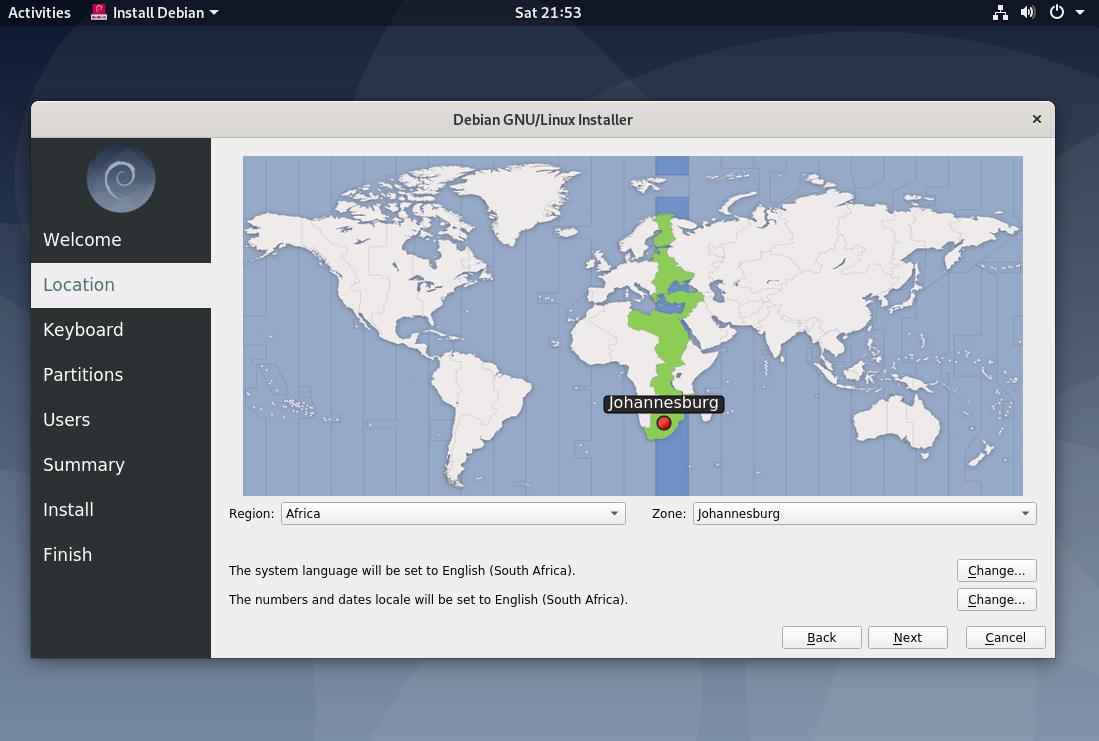
The Buster live images come with something new that a bunch of other distributions have also adopted, which is the Calamares installer. Calamares is an independent installer project (They call it “The universal installer framework”) which offers a Qt based interface for installing a system. It doesn’t replace debian-installer on the live images, rather, it serves a different audience. Calamares is really easy to use, with friendly guided partitioning and really simple full-disk encryption setup. It doesn’t cover all the advanced features of debian-installer (although it very recently got RAID support) and it doesn’t have an unattended install mode either. However, for 95%+ of desktop and laptop users, Calamares is a much easier way to get a system installed, which makes it very appropriate for live systems. For anyone who needs anything more complicated, or who’s doing a mass-install, debian-installer is still available in both text and GUI forms.

»
-

- Login or register to post comments
 Printer-friendly version
- 1807 reads
 PDF version
More in Tux Machines
- Highlights
- Front Page
- Latest Headlines
- Archive
- Recent comments
- All-Time Popular Stories
- Hot Topics
- New Members
digiKam 7.7.0 is released
After three months of active maintenance and another bug triage, the digiKam team is proud to present version 7.7.0 of its open source digital photo manager. See below the list of most important features coming with this release.
|
Dilution and Misuse of the "Linux" Brand
|
Samsung, Red Hat to Work on Linux Drivers for Future Tech
The metaverse is expected to uproot system design as we know it, and Samsung is one of many hardware vendors re-imagining data center infrastructure in preparation for a parallel 3D world.
Samsung is working on new memory technologies that provide faster bandwidth inside hardware for data to travel between CPUs, storage and other computing resources. The company also announced it was partnering with Red Hat to ensure these technologies have Linux compatibility.
|
today's howtos
|


 Content (where original) is available under CC-BY-SA, copyrighted by original author/s.



Recent comments
1 year 11 weeks ago
1 year 11 weeks ago
1 year 11 weeks ago
1 year 11 weeks ago
1 year 11 weeks ago
1 year 11 weeks ago
1 year 11 weeks ago
1 year 11 weeks ago
1 year 11 weeks ago
1 year 11 weeks ago