



A brief comparison of Java IDE’s: NetBeans Vs Eclipse
Submitted by Roy Schestowitz on Friday 22nd of February 2019 03:13:43 AM
Filed under 
Thinking about entering the world of programming? What better way to enter than through Java and joining a community of over 10 million developers worldwide? Java is one of the most popular programming languages right now. It is an interpreted, object-oriented programming language which is directly supported by major operating systems like Apple, Linux, Windows, Sun etc. Java is a portable programming language meaning a program can be written on one platform and can run on all platforms. Java supports networking (you can use TCP and UDP sockets) and access remote data using a variety of protocols. It also provides the feature of multithreading, which can utilize multiple processors and one of the prime features of Java is garbage collection. In many languages, the programmer is responsible for deallocating memory and it can become a hassle resulting in errors and segmentation faults. Java, on the other hand, has a garbage collector which manages the memory and frees up the memory by destroying objects not in use.
To start coding in Java you need to have Java installed, the latest version of Java is 11 but Java 8 is still supported so having any one of these installed will be enough to get you started. Writing a program and compiling it would take some effort as you will have to write the code in a text file and then save it in .java and then have to compile it using terminal, or you can use an IDE and save yourself the time and effort used in this process and get a slew of interesting features.
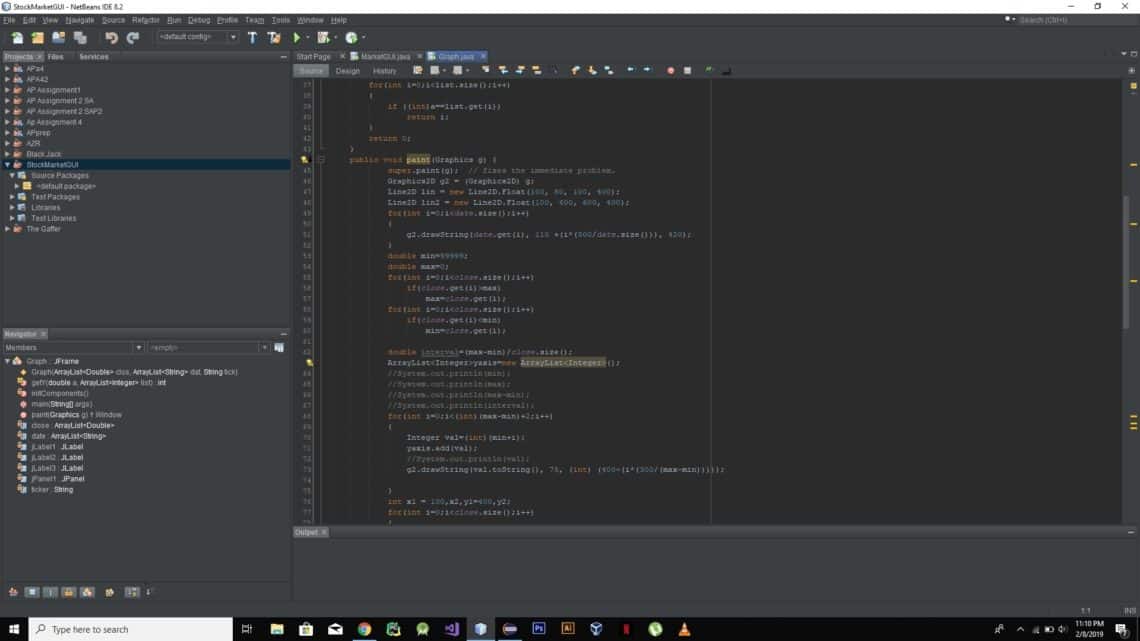
An Integrated Development Environment or IDE for short, is a software application which helps the user to write and compile code easily by providing features like text editing, debugging plugins etc. while providing compilation by the click of one button. Java has many IDEs but two of the most popular ones are NetBeans and Eclipse.

»
-

- Login or register to post comments
 Printer-friendly version
- 1865 reads
 PDF version
More in Tux Machines
- Highlights
- Front Page
- Latest Headlines
- Archive
- Recent comments
- All-Time Popular Stories
- Hot Topics
- New Members
digiKam 7.7.0 is released
After three months of active maintenance and another bug triage, the digiKam team is proud to present version 7.7.0 of its open source digital photo manager. See below the list of most important features coming with this release.
|
Dilution and Misuse of the "Linux" Brand
|
Samsung, Red Hat to Work on Linux Drivers for Future Tech
The metaverse is expected to uproot system design as we know it, and Samsung is one of many hardware vendors re-imagining data center infrastructure in preparation for a parallel 3D world.
Samsung is working on new memory technologies that provide faster bandwidth inside hardware for data to travel between CPUs, storage and other computing resources. The company also announced it was partnering with Red Hat to ensure these technologies have Linux compatibility.
|
today's howtos
|


.svg_.png)

 Content (where original) is available under CC-BY-SA, copyrighted by original author/s.


Recent comments
1 year 11 weeks ago
1 year 11 weeks ago
1 year 11 weeks ago
1 year 11 weeks ago
1 year 11 weeks ago
1 year 11 weeks ago
1 year 11 weeks ago
1 year 11 weeks ago
1 year 11 weeks ago
1 year 11 weeks ago