
news
Mini Review – Create beautiful screenshots with Gradia for Linux
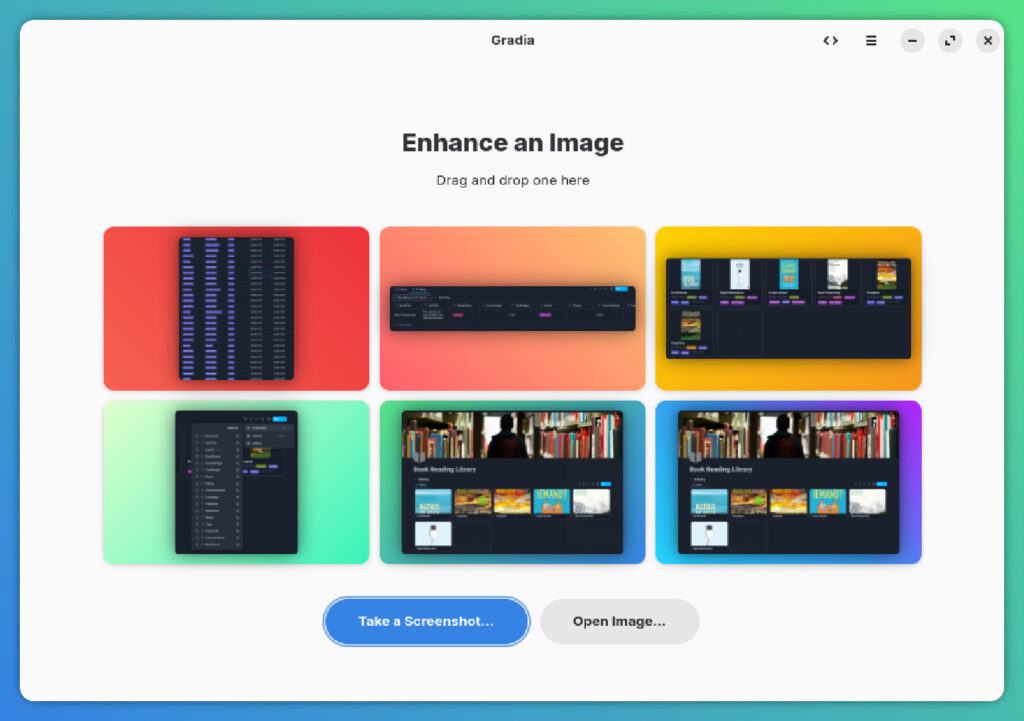
Quoting: Mini Review – Create beautiful screenshots with Gradia for Linux - —
Over the years of being the owner and writer for RealLinuxUser.com and publishing my first book “Linux for the rest of us”, I have taken thousands of screenshots to visually support my tutorials, reviews, and background articles. But the basic screenshots are not always directly ready to include in my articles. These screenshots often require updates, like a frame, a highlight, arrows, or an annotation. And while many of the more comprehensive graphic editing applications for Linux, such as GIMP, Krita, and Inkscape, have everything you need to manipulate a screenshot to your liking, they are often overkill for such a relatively small task.
And that is where Gradia steps into the gap of simple but effective solutions. Gradia is designed and created by Alexander Vanhee for the Linux desktop and focuses on only one thing. Gradia is able to make your screenshots in only a couple of clicks look exactly like you need. Gradia is in my opinion one of these single purpose apps that helps you transform plain screenshots into visually appealing, polished images without the need for heavy editing tools. So let’s see why.