
news
GNU/Linux Distributions and Operating Systems: PuterOS, Lubuntu, and More
-
Make Use Of ☛ I opened an operating system in my browser and forgot I wasn't on real desktop
"Browser OS" has always, at least to me, been shorthand for stripped-down disappointment wrapped in a polished UI. ChromeOS gets away with the idea because it ships on dedicated hardware, but operating systems that run entirely inside a browser tab shouldn't be tools you’d voluntarily rely on, right?
PuterOS wants to challenge that idea, and after spending a few hours poking around in it, I'll say this: it does a better job than it has any right to. It’s open source, free to start, and far more usable than I expected from an operating system running entirely in a browser window. Here is what that actually looks like
-
XDA ☛ Your Windows PC can run any Linux distro from a USB stick, and it’s the best way to pick one
Ever since Microsoft started relentlessly bombarding Windows 11 with intrusive, resource-hogging AI tools and unwanted features, there has been a lot of silent dissatisfaction in the air around the OS, so naturally, Linux is looking attractive to many. The problem is a little more complicated than just getting rid of the main OS and installing a distro on a whim, though.
Many Windows loyalists are naturally apprehensive about making a full-scale OS switch, and those who are determined can't seem to decide on what distro to pick (which is a condition I call "distro paralysis"). Fortunately, if you fall into either group, you don't have to throw away your current OS just to get a taste of what's on offer on the Linux side of the aisle. All you need is a sizable USB drive.
-
XDA ☛ I stopped recommending Linux Mint after trying Lubuntu on a nine-year-old laptop
It's often said that Linux is the perfect way to breathe new life into an old laptop, but the exact version of Linux you should choose is always up in the air. Linux Mint is a common recommendation that's stable and modern enough to have all the features you need, but there are others that are more focused on even older hardware, like antiX and MX Linux.
But one option that deserves more attention is Lubuntu. An official flavor of Ubuntu, it aims to deliver a lightweight and fast experience for older machines while still having all the modern conveniences you could want, since it's based on the latest Ubuntu release. And after spending some time with it, I may have found a new favorite for keeping old laptops alive.
-
XDA ☛ The Linux desktop's biggest upgrade was learning when not to ask the user
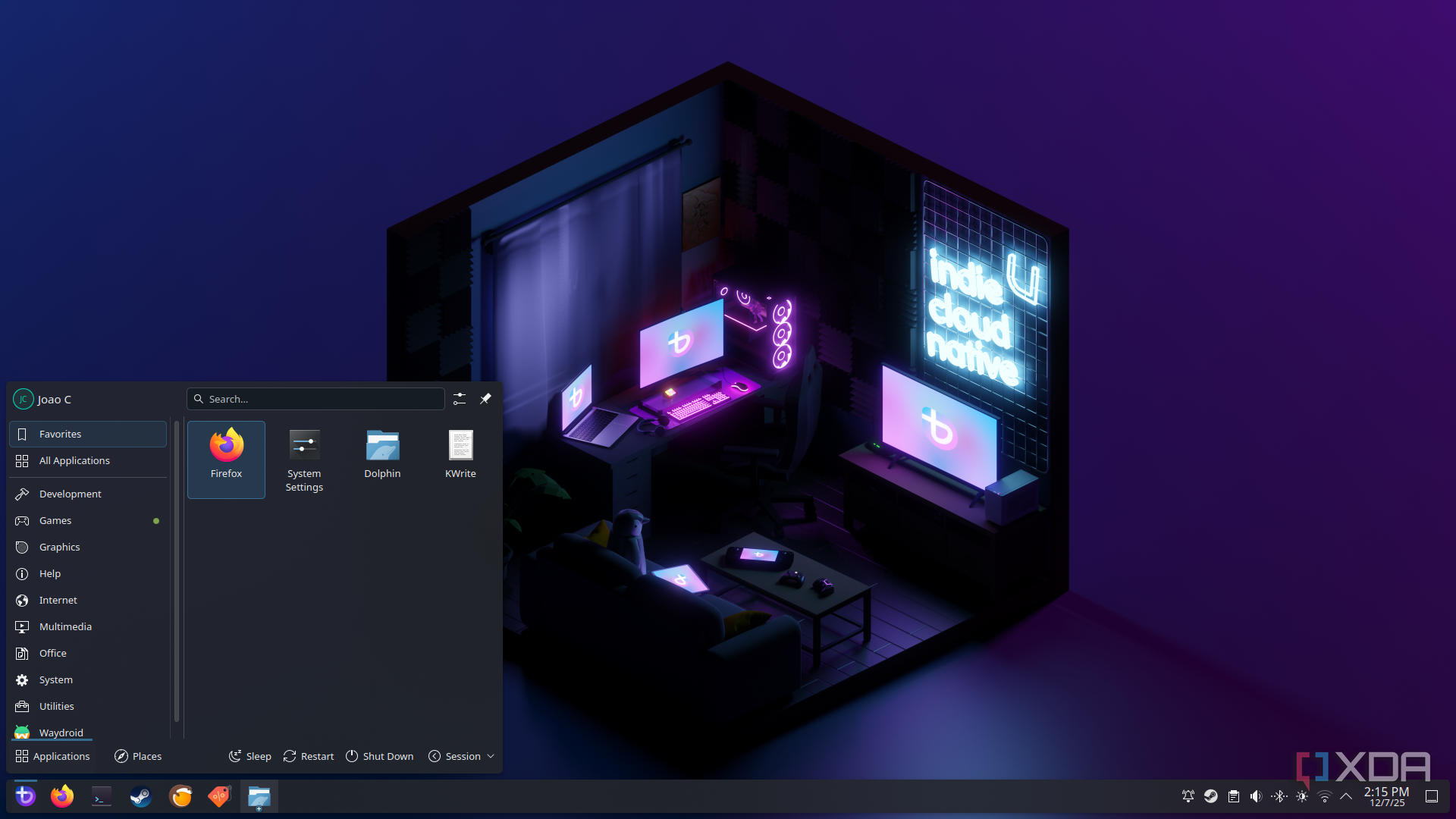
The Linux desktop has improved in plenty of visible ways over the last decade, from better hardware support to cleaner app stores and smoother graphics stacks. Those changes matter, and they’re usually the ones that get the most attention. But the bigger shift is quieter than that. Linux got better when it stopped making every routine decision feel like a test.
That doesn’t mean Linux should become bland, locked down, or afraid of advanced users. Choice is still one of its best qualities, and I wouldn’t want a desktop that treats me like a guest in my own system. The change is that modern Linux desktops are finally learning which choices need to be surfaced and which ones should stay out of the way. That restraint has done more for daily usability than another dozen configuration panels ever could.