
news
I keep these operating systems on a Ventoy USB drive
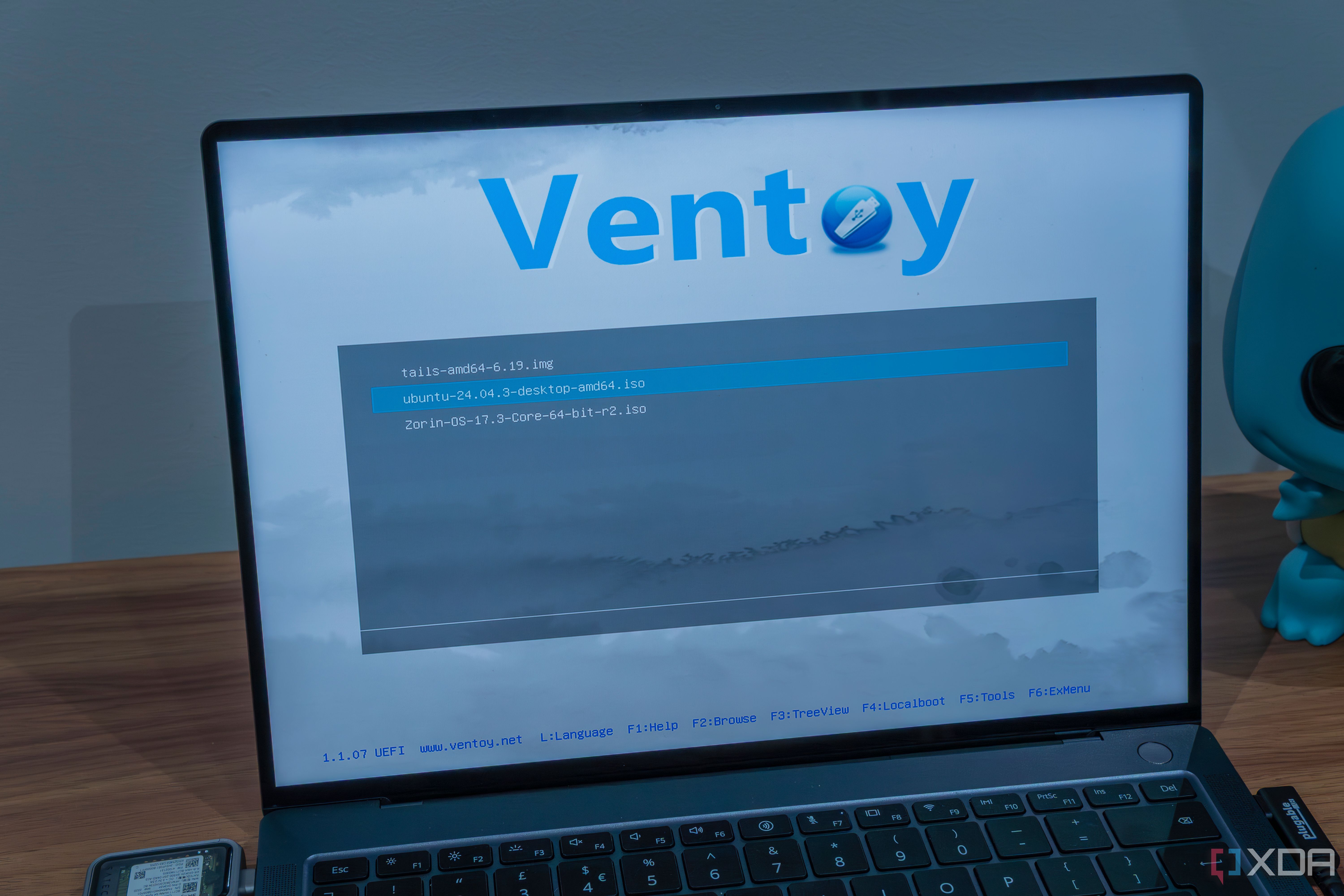
Quoting: I keep these operating systems on a Ventoy USB drive —
Here is a fact-based summary of the story contents:
The loop of recreating a bootable USB drive for every reinstall or troubleshooting became unbearable for me. I switched to a Ventoy drive a long time back, and it's saved me so much time. Before that change, I had to download a fresh copy of the ISO file and then use Rufus to create a bootable drive. Having a Ventoy drive eliminates the need to recreate a bootable drive for every live USB. I need to install Ventoy on the USB drive once, and then I can add ISO files at my leisure.
Over the years, a few operating systems and tools have become staples for my recovery drive. These operating systems run on my personal systems and virtual machines, and I keep adding updated ISO files whenever a new release arrives. These ISO files ensure that whenever I'm in a pickle, I don't have to hunt for an ISO file or redownload one. Windows 11 My daily driver
Microsoft’s latest iteration of Windows is one of my regularly used operating systems. I’ve installed it on my main PC and have a few virtual machines dedicated to Windows Insider and tweaks. Windows sometimes fails spectacularly and isn’t recoverable by the WinRE tools.
I do clean or repair installs when needed and prefer keeping the latest Windows 11 ISO on my Ventoy drive. Since major Windows version updates are released semi-yearly (currently 25H2), I don’t need to replace the ISO file every few months.
Ventoy can even bypass hardware requirements for Windows 11 with its included tools. Previously, I used Rufus to evade the requirements, but Ventoy includes it by default.
Secure Boot used to be a problem before, but the developers found a workaround. You can enroll the Secure Boot key onto the Ventoy drive and then access the contents, whether Secure Boot is enabled or not. Ubuntu Most stable Linux distro
I started my Linux journey with Ubuntu in 2016 and have been using it on and off for nearly a decade now. It’s evolved into a complete package that offers a refined desktop experience for both basic and advanced users.
Back then, it was only about learning commands, but now I use it for app trials, cluster experiments, and self-hosting the media present on the hard disk. Most of the work I do on Ubuntu doesn’t break the system, as I use Docker containerization. However, Timeshift didn’t work with Ubuntu 25, so I switched back to Ubuntu 24 using my Ventoy drive.
I also use a persistent volume for Ubuntu on my Ventoy USB, which is a fantastic portable workspace when the need arises. It’s not an everyday thing, but keeping a persistent volume saves all my changes, be it apps or browser activity. So, I don’t need to reinstall anything or reconfigure OS settings.
Another One:
-
Glim is the Ventoy alternative Linux enthusiasts should use instead
Here is a fact-based summary of the story contents:
I've never been one for sticking with one PC or even one operating system, so that means I've gone through my fair share of bootable USB drives. It's a pain having single-use USBs for individual Linux distributions, but I've found that I had to do things like that for many years, as the constant rewriting was wearing out my USB sticks in short order.
I've used many different USB flashing tools in that time, and they all have their own benefits and quirks. But for Linux ISOs, which often fit within the 4GB limit of the FAT32 file system, I've found that I really like using Glim over other options. It's fast to set up, easy to use, comes with a boot menu for any supported distro, and has a great retro feel.
Linuxiac:
-
Ventoy 1.1.08 Adds Support for FreeBSD 15.0
Ventoy, the popular multi-boot utility for creating bootable USB drives from ISO files, has just released a brand-new version, 1.1.08. The standout change in this version is support for FreeBSD 15.0, extending Ventoy’s already broad compatibility across Linux, BSD, Windows, and various utility images.
The brand-new FreeBSD 15.0, released just a week ago, introduces pkgbase as a technology preview for managing the base system via the pkg package manager, alongside substantial hardware improvements spanning Wi-Fi, graphics, and power management. The release also ships with a newer version of OpenZFS, offering faster storage performance and expanded filesystem features.