
news
Linux Terminal Commands
-
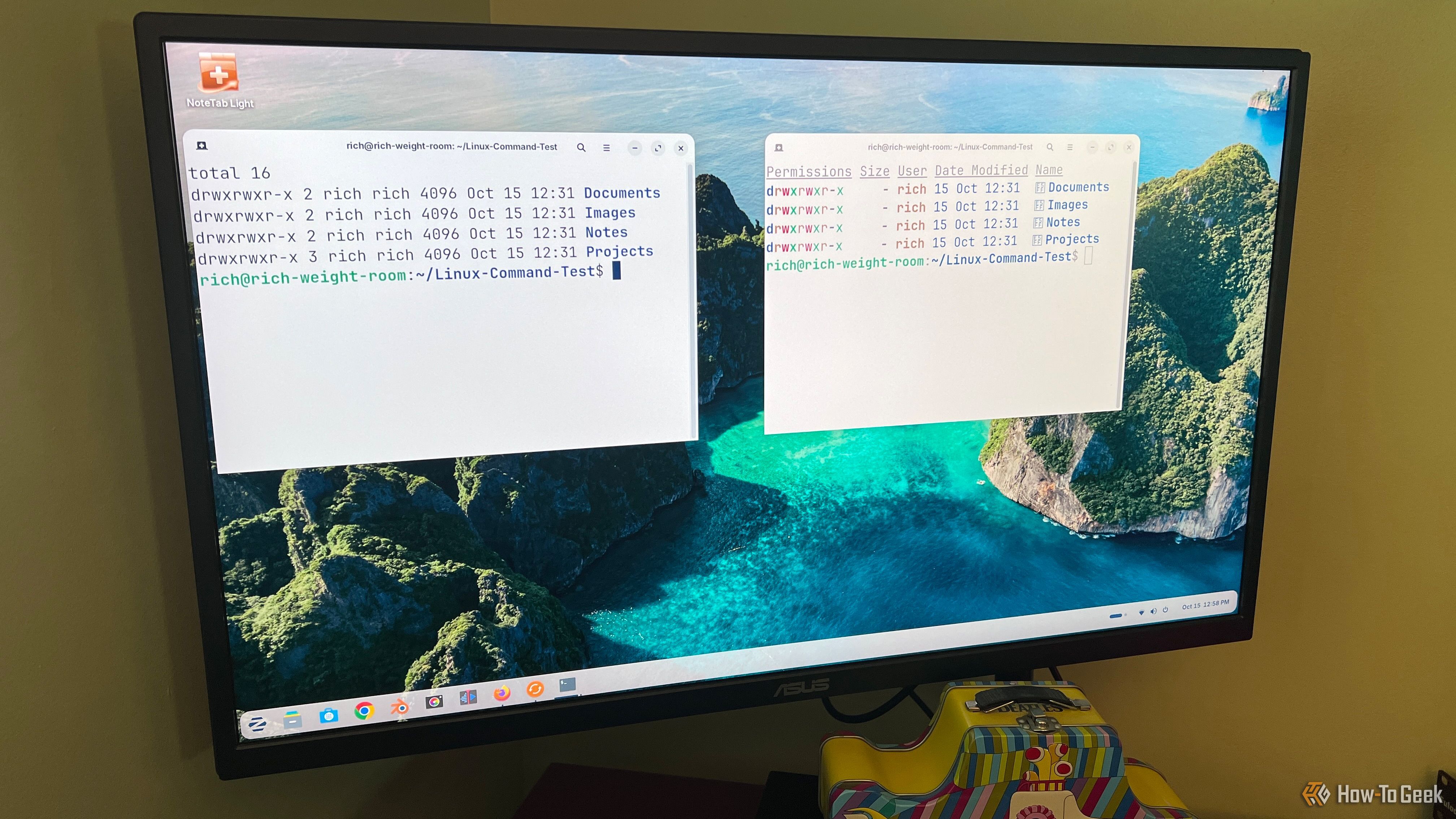
Linux terminal commands don't have to be complicated, here are 3 modern replacements I use instead
Some Linux commands have been around since time immemorial and are still widely used today. These commands work. They're both reliable and powerful. The problem is, if you're someone like me who isn't in the terminal all the time, they're not particularly intuitive. Most of the time, I use Linux through its graphical interface. I was never really interested in memorizing a bunch of complicated commands just to accomplish things that I could point and click at. When I do decide to open the terminal, I want command-line tools that don’t make things unnecessarily complicated.
Today, there are more modern replacements that have built on several traditional Linux commands, making common tasks easier while adding useful features. Some of these tools give users visual improvements, while others simplify the syntax needed to get the job done. And don't worry, you don't have to abandon the original commands. They're still useful and supported. The goal for someone like me is to make my occasional trip to the command line a little simpler.
5 terminal tools that make Linux easier without forcing you to become a programmer
Here is a fact-based summary of the story contents:
The Linux terminal can be a barrier when you start exploring Linux. Initially, I pasted commands from forums, but avoided going beyond what the forums showed, for fear that I might break something.
It's been several years, and I no longer approach the terminal with this same fear or caution, but that change didn't come only from studying commands. I found and installed small terminal tools that handle the hard part for me, and they don't require any programming knowledge.