
news
Calibre 9.16 E-Book Manager Improves Read Aloud, PDF Input, and Kobo Support
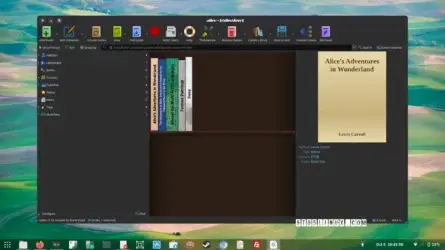
Coming three weeks after Calibre 9.15, the Calibre 9.16 release is a hefty one, bringing support for high-quality Kokoro voices to the Read Aloud feature, which sound much more natural than the Piper voices, especially for English, and support for downloading news from websites that block automated access by using the Camoufox headless browser.
Calibre 9.16 also adds support for right-to-left text and better handling of multi-column pages to the PDF Input feature, adds support for reading images in the AVIF format, and adds a new option to the tag browser to let you sort hierarchical tags that have only children but no actual books as folders before all other tags at their level.
OMG Ubuntu:
-
Calibre can now read ebooks aloud without sounding like a robot - OMG! Ubuntu
Calibre v9.16 adds support for Kokoro, an open-weight TTS model, to its Read Aloud feature1 (which to state the bleedin’ obvious, will read the content of books to you).
The new voices are sound to sound ‘much more natural’, especially in English.
Kokoro voices aren’t preinstalled or included in Calibre itself. You choose one via the backend picker in the Read aloud configuration panel and the voice is downloaded on demand when you next hit play.
You can listen to audio samples of the new voices online, without needing to download them first, if you wish to ‘try before you buy choose.
Fans of the software may be pleased to see focus return to prosaic work after a run of releases that addd generative AI integrations which, arguably, have little to do with the reason people install this (to read and manage e-books).